1
3
3.
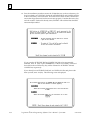
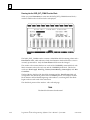
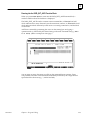
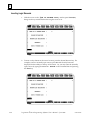
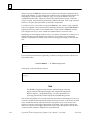
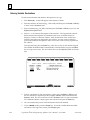
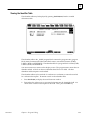
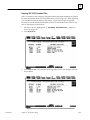
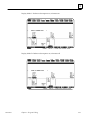
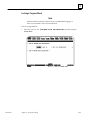
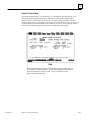
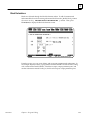
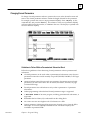
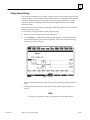
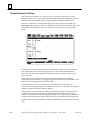
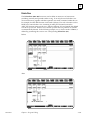
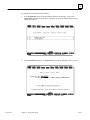
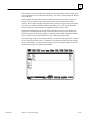
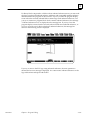
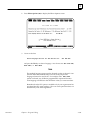
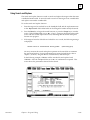
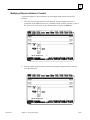
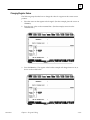
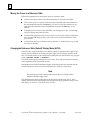
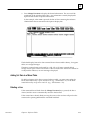
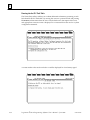
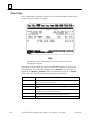
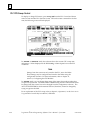
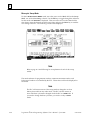
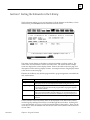
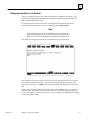
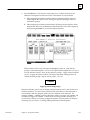
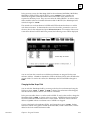
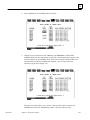
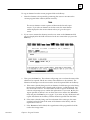
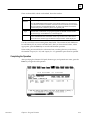
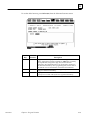
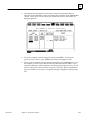
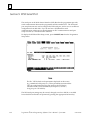
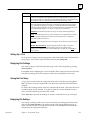
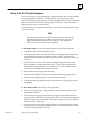
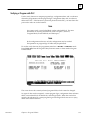
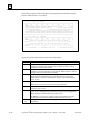
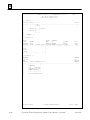
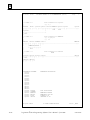
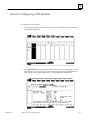
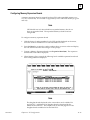
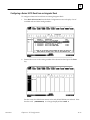
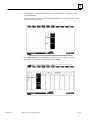
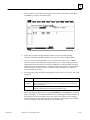
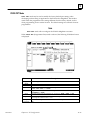
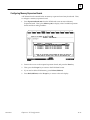
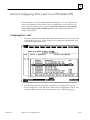
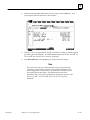
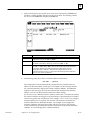
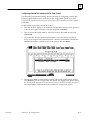
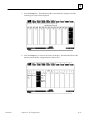
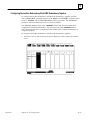
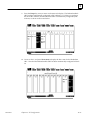
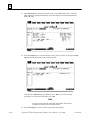
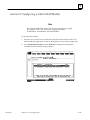
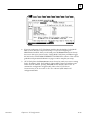
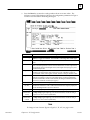
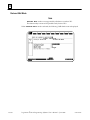
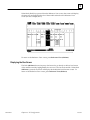
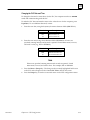
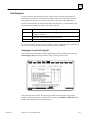
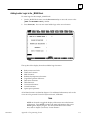
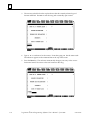
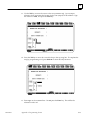
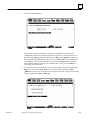
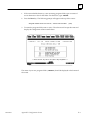
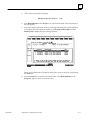
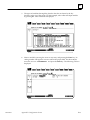
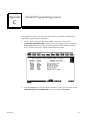
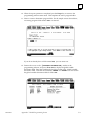
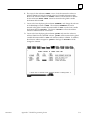
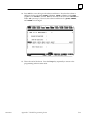
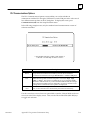
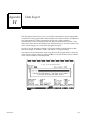
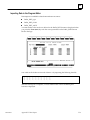
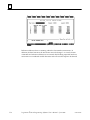
To decrement the reference address to %I00025, press CTRL-D twice. Or, you could
enter the decrement amount 16 (2 bytes) on the command line and press CTRL-D.
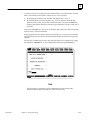
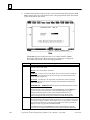
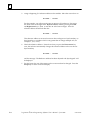
The value 16 displayed on the command line does not disappear when the
decrement is completed. It continues to be displayed on the command line so that
you may continue decrementing by that same amount.
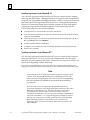
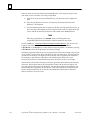
Auto-Next Highest Reference
The auto-next highest reference address function automatically uses the next reference
offset of the specified type, after the highest currently used in the folder during an
editing session. If the parameter requires a byte-aligned reference offset, the next
available aligned offset is automatically provided.
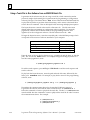
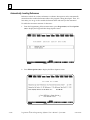
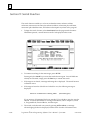
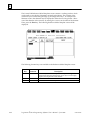
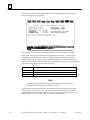
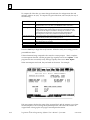
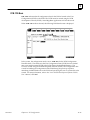
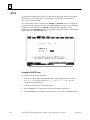
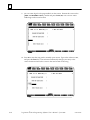
To use this function, enter the % character and the user reference (e.g., %I, %Q, %R,
etc.) on the command line. The % character is used to distinguish a reference type from
a nickname character. Then, press the Enter key.
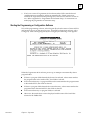
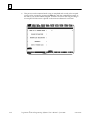
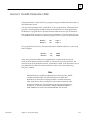
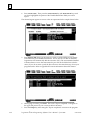
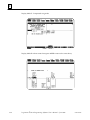
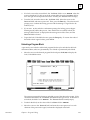
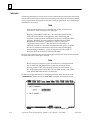
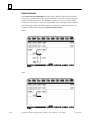
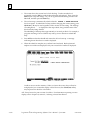
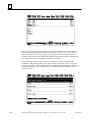
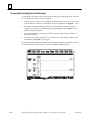
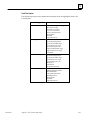
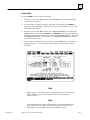
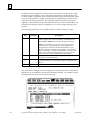
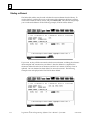
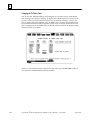
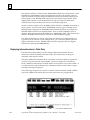
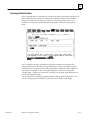
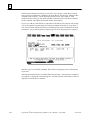
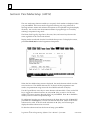
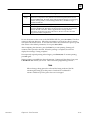
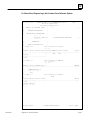
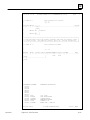
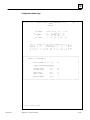
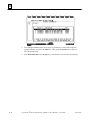
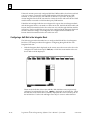
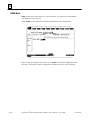
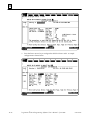
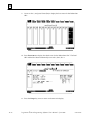
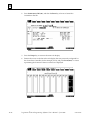
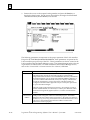
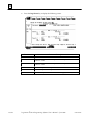
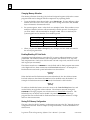
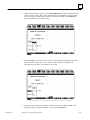
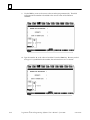
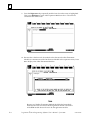
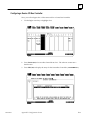
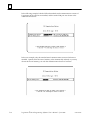
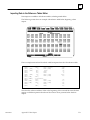
For example, if the highest %I reference already used during an editing session is
%I00019, and %I is specified as the address for an input operand to an ADD_INT
function block, %I00025 (the next available aligned reference) is automatically used.
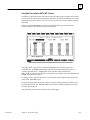
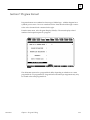
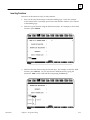
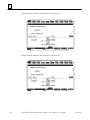
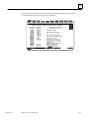
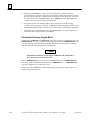
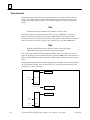
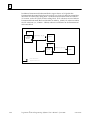
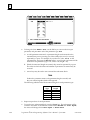
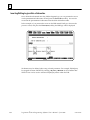
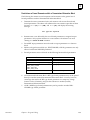
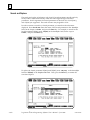
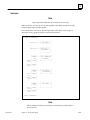
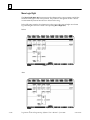
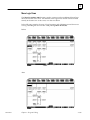
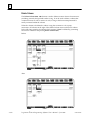
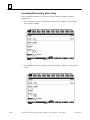
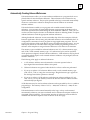
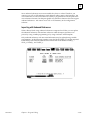
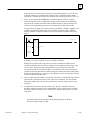
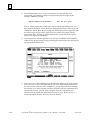
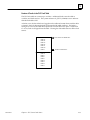
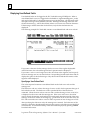
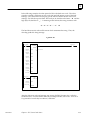
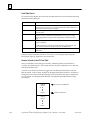
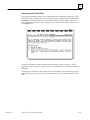
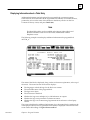
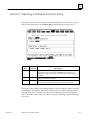
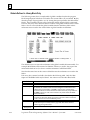
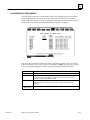
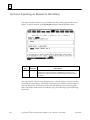
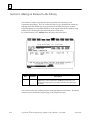
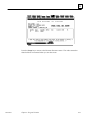
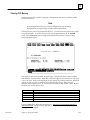
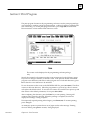
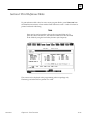
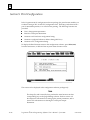
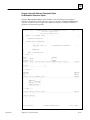
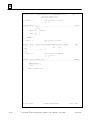
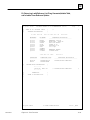
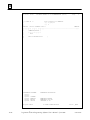
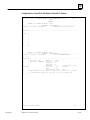
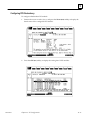
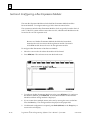
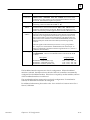
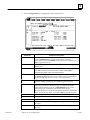
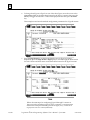
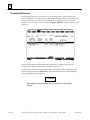
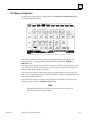
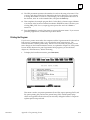
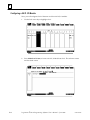
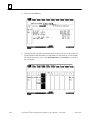
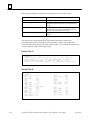
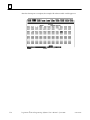
The following example illustrates how useful the auto-next highest reference address
function can be, when used in conjunction with TEACH mode. It allows rungs to be
entered and reference addresses automatically assigned to the next available reference
address. (For more information on TEACH mode, refer to chapter 2, section 5,
“Keyboard Functions.”)
GFK-0263G
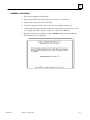
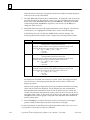
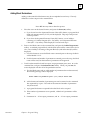
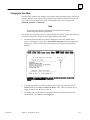
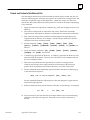
1.
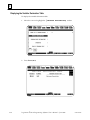
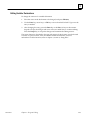
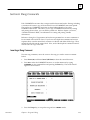
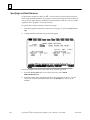
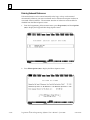
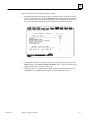
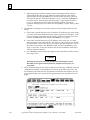
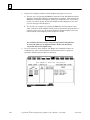
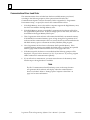
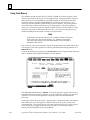
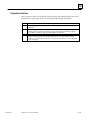
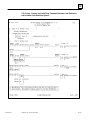
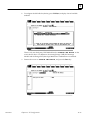
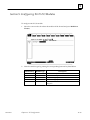
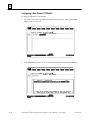
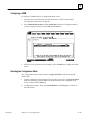
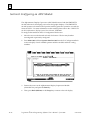
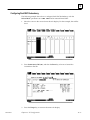
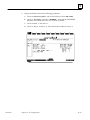
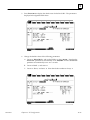
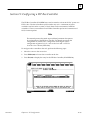
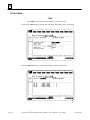
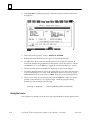
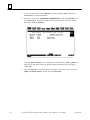
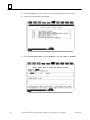
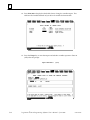
Enter INSERT mode by pressing Insert (F1) from the program editor.
2.
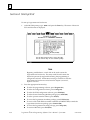
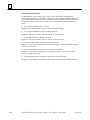
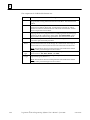
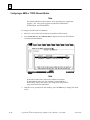
Press ALT-T to enter TEACH mode, and then press ALT-n, where n is the number
to be used for the teach file. For this example, use ALT-0.
3.
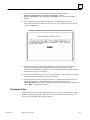
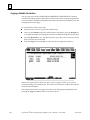
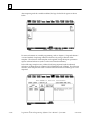
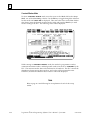
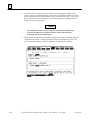
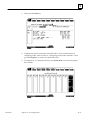
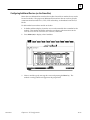
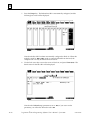
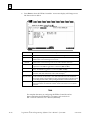
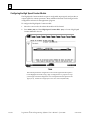
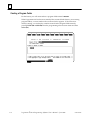
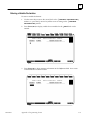
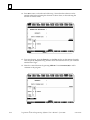
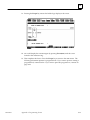
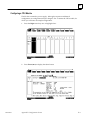
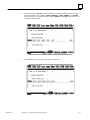
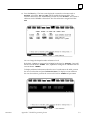
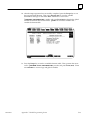
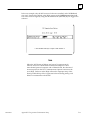
On the command line, type ALW_ON &NOCON and press the Enter key.
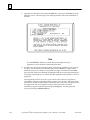
4.
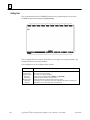
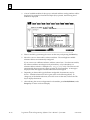
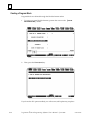
Then, type &MOV on the command line and press the Enter key.
5.
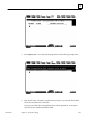
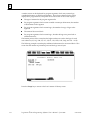
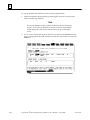
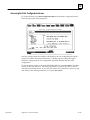
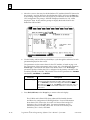
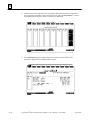
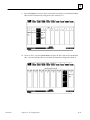
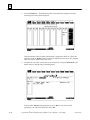
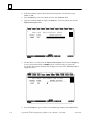
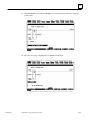
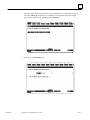
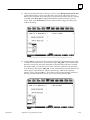
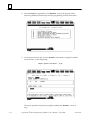
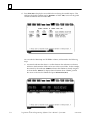
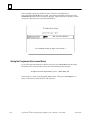
Use the Tab key to position the cursor on parameter IN of the MOVE function block.
6.
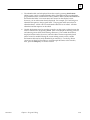
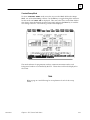
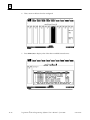
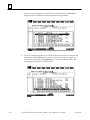
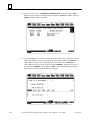
Type %R on the command line, and press the Tab key.
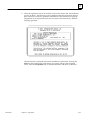
7.
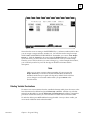
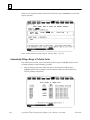
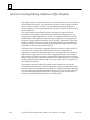
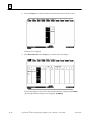
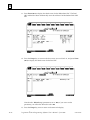
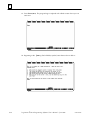
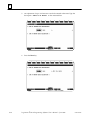
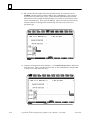
Then, enter %R on the command line again (or press CTRL-Home to display the
previous command line contents), and press the Enter key twice.
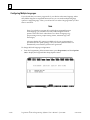
8.
Press ALT-Q to exit TEACH mode.
Chapter 3 Program Editing
3-125