1
2
9.
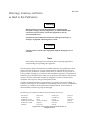
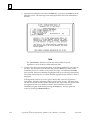
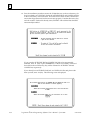
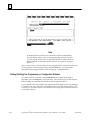
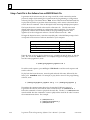
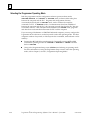
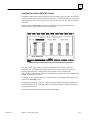
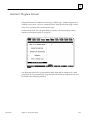
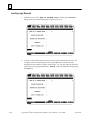
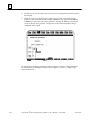
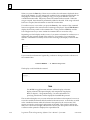
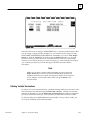
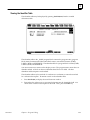
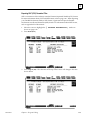
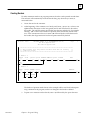
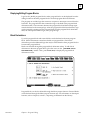
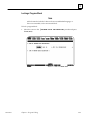
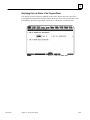
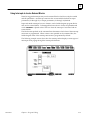
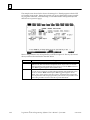
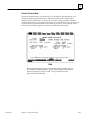
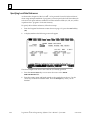
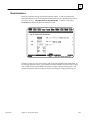
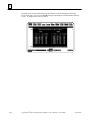
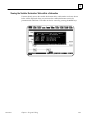
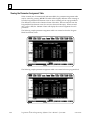
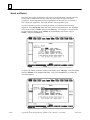
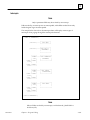
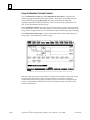
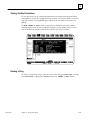
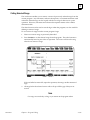
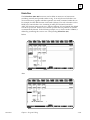
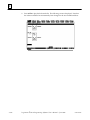
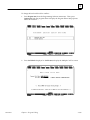
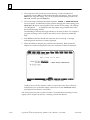
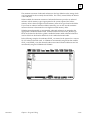
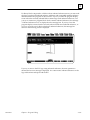
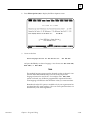
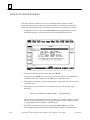
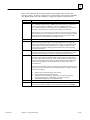
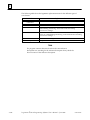
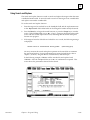
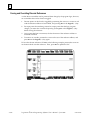
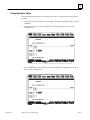
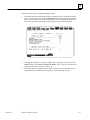
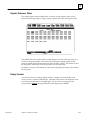
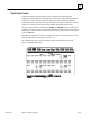
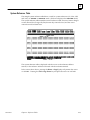
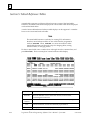
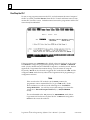
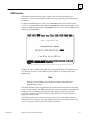
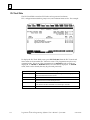
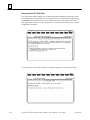
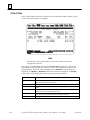
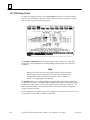
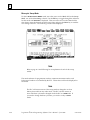
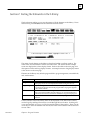
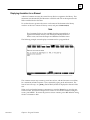
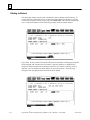
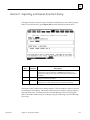
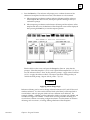
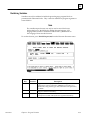
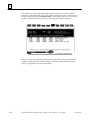
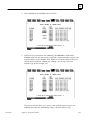
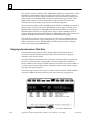
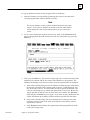
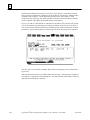
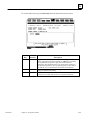
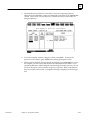
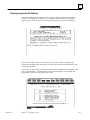
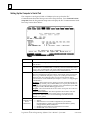
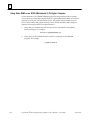
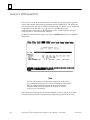
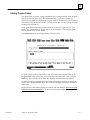
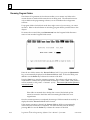
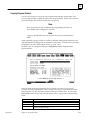
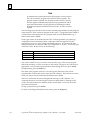
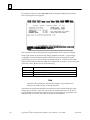
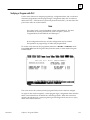
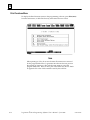
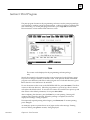
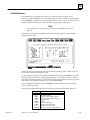
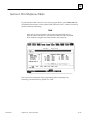
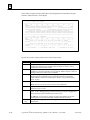
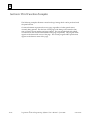
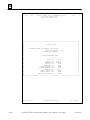
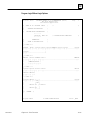
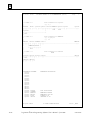
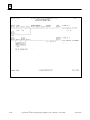
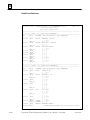
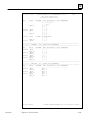
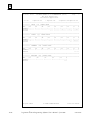
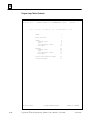
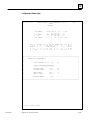
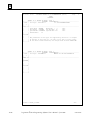
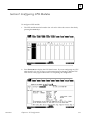
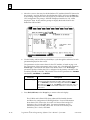
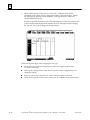
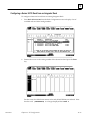
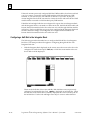
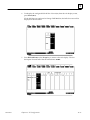
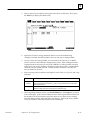
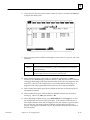
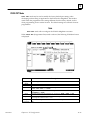
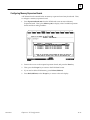
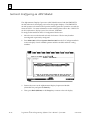
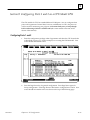
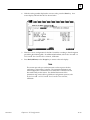
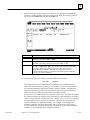
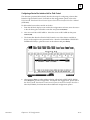
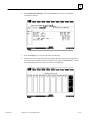
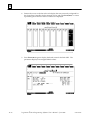
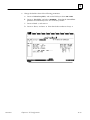
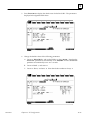
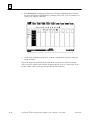
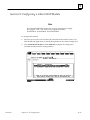
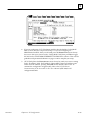
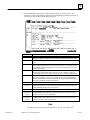
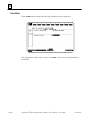
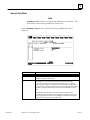
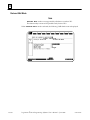
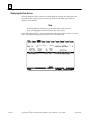
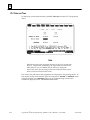
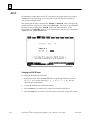
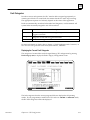
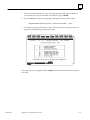
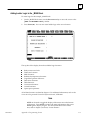
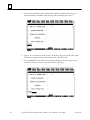
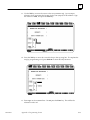
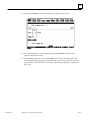
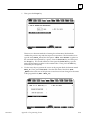
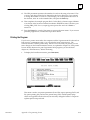
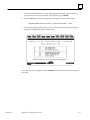
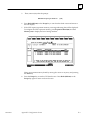
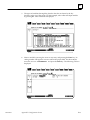
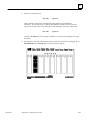
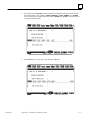
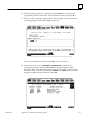
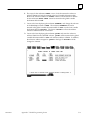
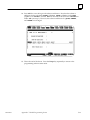
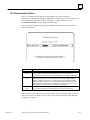
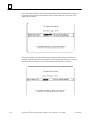
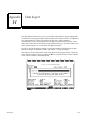
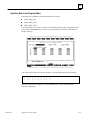
When the registration data is successfully written to the master disk, the installation
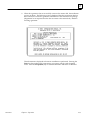
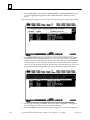
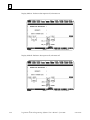
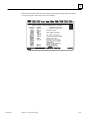
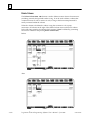
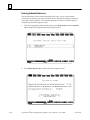
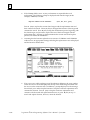
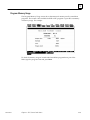
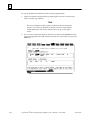
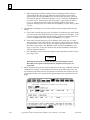
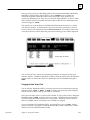
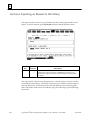
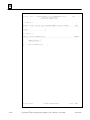
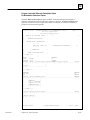
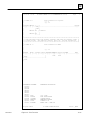
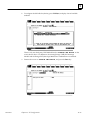
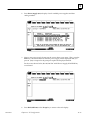
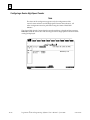
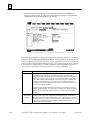
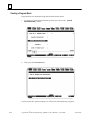
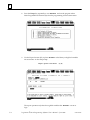
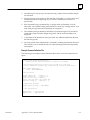
process can begin. The following screen is displayed after the registration data has
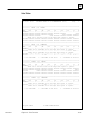
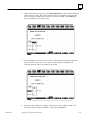
been entered, or on future Logicmaster installations of the same software package.
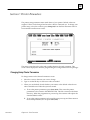
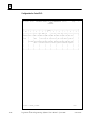
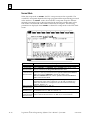
(Registration is not required once the data is written to the master disk.) Read the
licensing agreement.
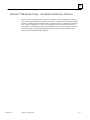
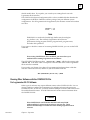
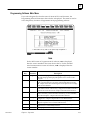
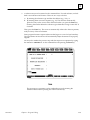
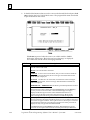
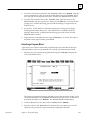
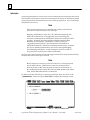
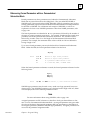
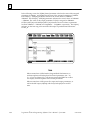
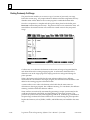
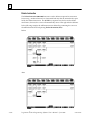
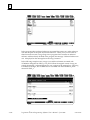
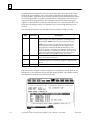
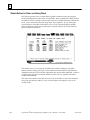
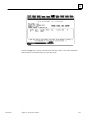
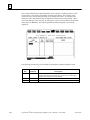
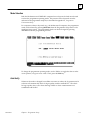
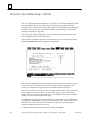
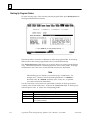
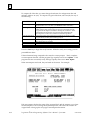
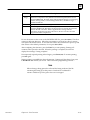
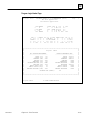
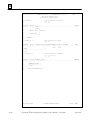
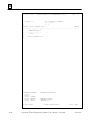
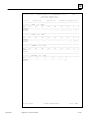
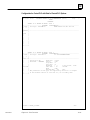
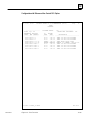
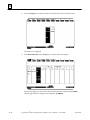
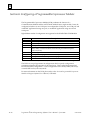
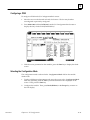
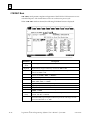
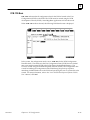
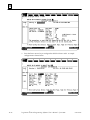
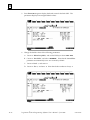
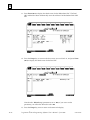
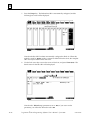
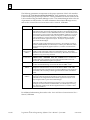
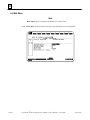
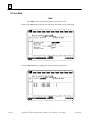
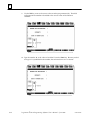
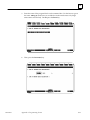
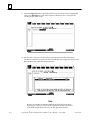
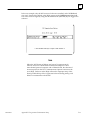
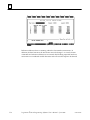
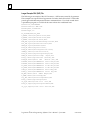
This information is displayed each time an installation is performed. Pressing the
Enter key after reading this screen means you agree to comply with the stated
terms. Press the Escape (ESC) key to terminate INSTALL and return to MS-DOS.
GFK-0263G
Chapter 2 Operation
2-11