1
Section 7: Managing Wirelists / Deleting a Location
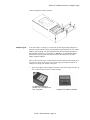
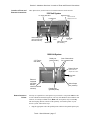
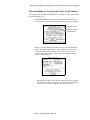
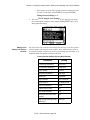
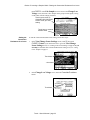
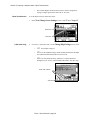
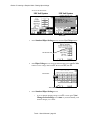
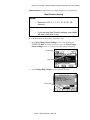
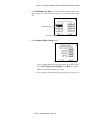
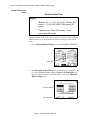
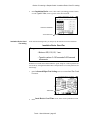
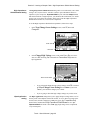
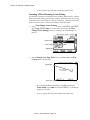
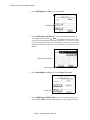
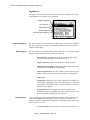
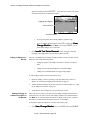
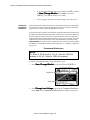
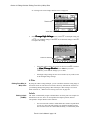
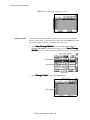
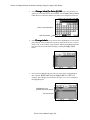
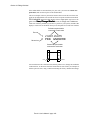
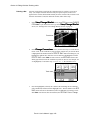
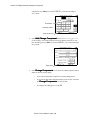
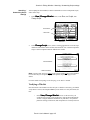
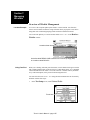
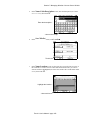
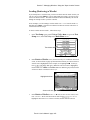
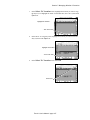
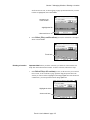
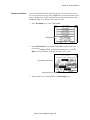
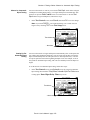
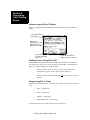
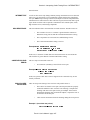
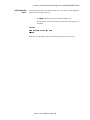
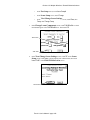
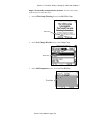
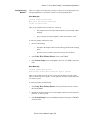
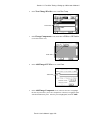
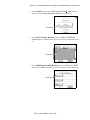
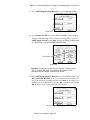
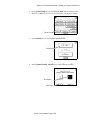
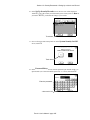
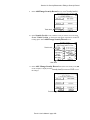
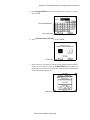
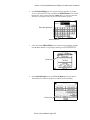
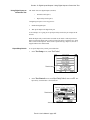
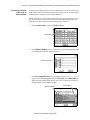
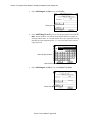
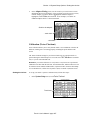
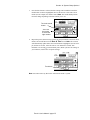
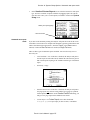
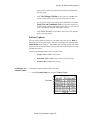
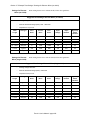
scroll one line at a time, or the scroll bars to page up/down until the file you want
to delete is highlighted, then touch Delete.
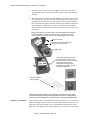
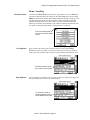
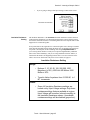
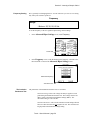
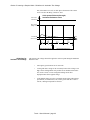
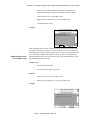
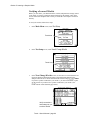
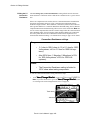
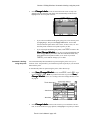
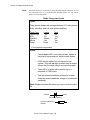
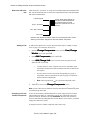
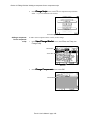
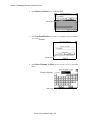
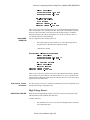
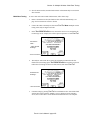
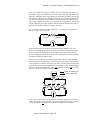
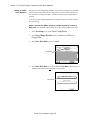
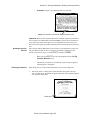
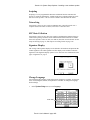
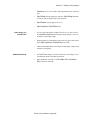
Navigate to the
correct location...
...highlight the file....
...then touch here
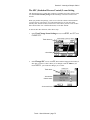
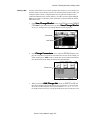
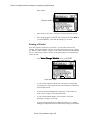
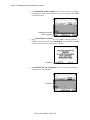
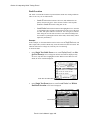
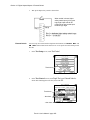
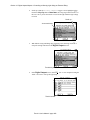
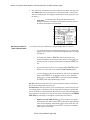
4.
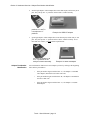
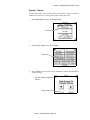
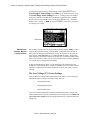
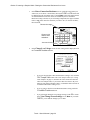
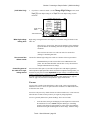
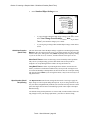
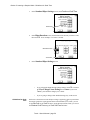
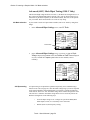
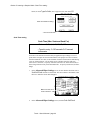
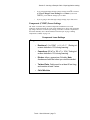
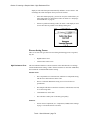
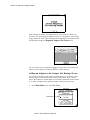
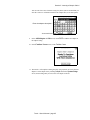
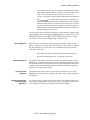
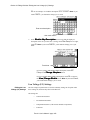
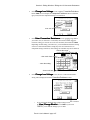
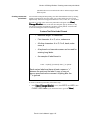
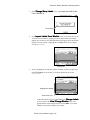
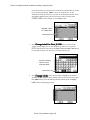
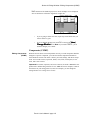
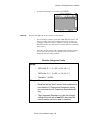
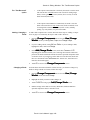
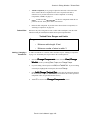
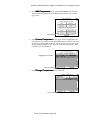
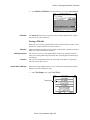
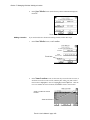
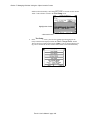
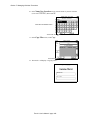
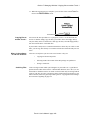
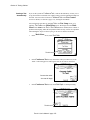
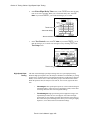
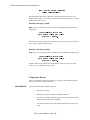
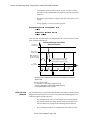
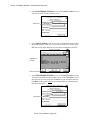
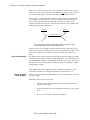
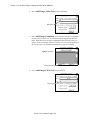
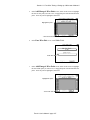
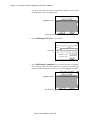
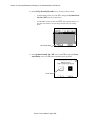
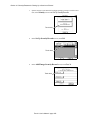
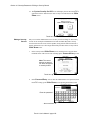
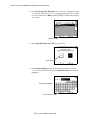
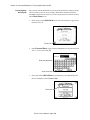
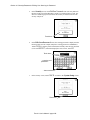
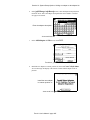
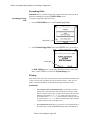
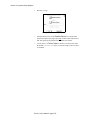
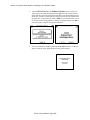
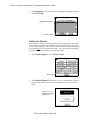
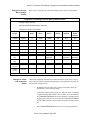
In the Delete File(s)
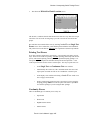
shown. Touch Cancel.
and Location(s) screen, the deleted file is no longer
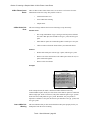
Touch here
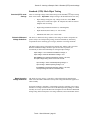
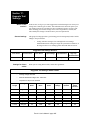
Deleting a Location
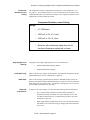
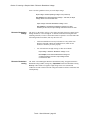
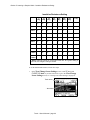
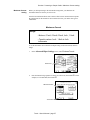
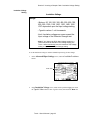
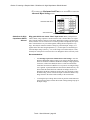
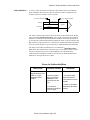
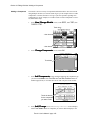
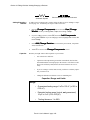
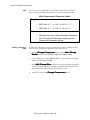
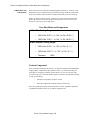
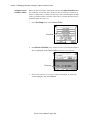
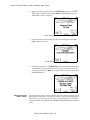
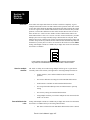
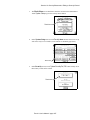
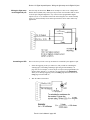
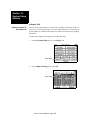
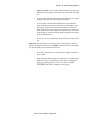
Important Note! When you delete a location, you delete all of the wirelists and
script files which that location contains. To delete a location, follow these steps:
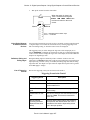
1.
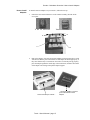
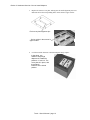
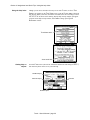
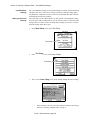
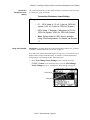
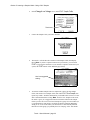
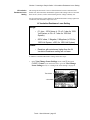
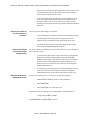
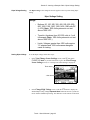
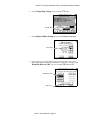
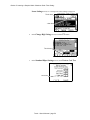
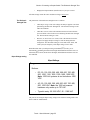
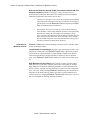
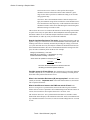
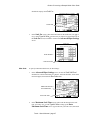
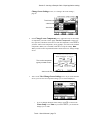
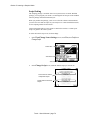
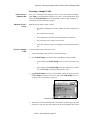
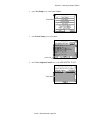
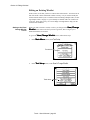
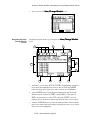
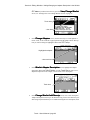
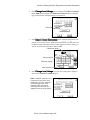
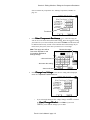
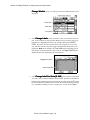
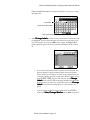
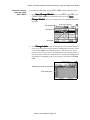
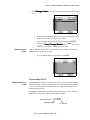
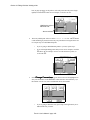
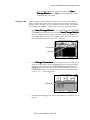
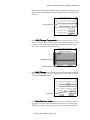
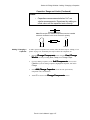
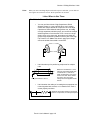
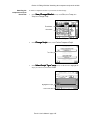
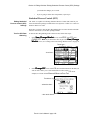
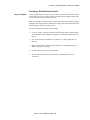
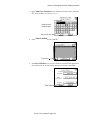
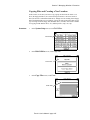
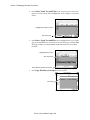
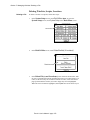
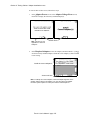
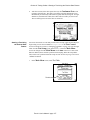
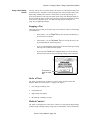
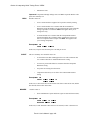
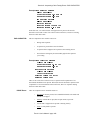
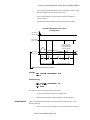
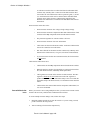
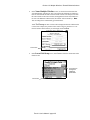
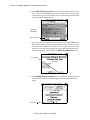
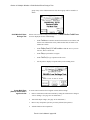
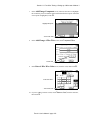
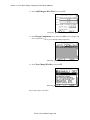
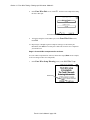
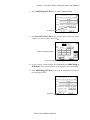
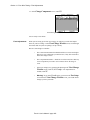
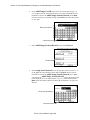
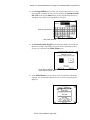
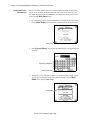
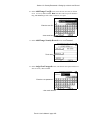
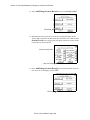
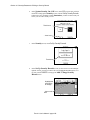
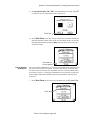
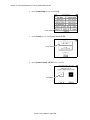
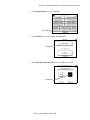
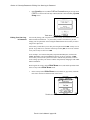
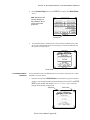
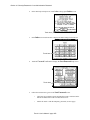
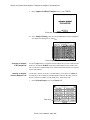
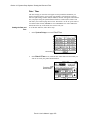
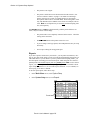
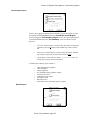
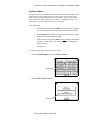
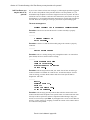
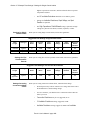
In the Delete File(s) & Location(s) screen, use the arrow keys to scroll one
line at a time, or the scroll bars to page up/down until the location where the
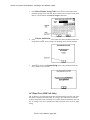
wirelist you want to delete is highlighted, then touch Open Loc. If the location is
a sublocation, you must open that location using Open Loc.
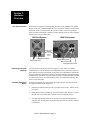
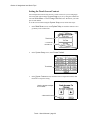
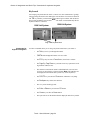
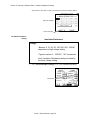
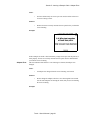
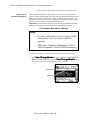
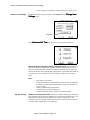
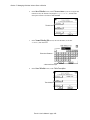
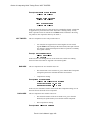
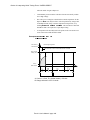
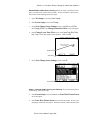
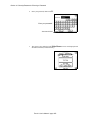
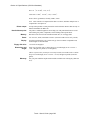
Highlight the drive...
...then touch here
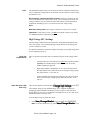
Touch 1 User’s Manual / page 171