1
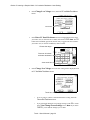
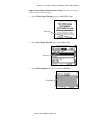
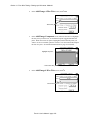
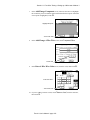
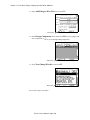
Section 14: System Setup Options / Installing a new software update
Scripting
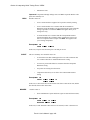
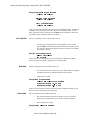
Scripting is a set of programmable functions and default files that customize the
Touch 1 to extend its functionality. Default scripts and a scripting manual are available from Cirris Systems. Call us at 801-973-4600 or 800-441-9910 for details.
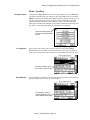
Networking
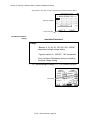
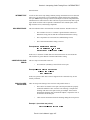
Your Touch 1 can be set up to work on a Windows NT or Novell Network. For a
complete discussion on how to do this, call Cirris at 1-800-441-9910
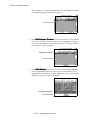
SPC Data Collection
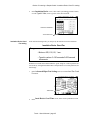
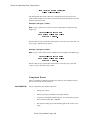
Your Touch 1 can be set up to store test results by purchasing the Statistical Process
Control (SPC) package. Software and a manual for SPC data collection is available
from Cirris Systems. Call us at (801) 973-4600 or (800) 441-9910 for details. See the
setup for learning on page 75, and setup in an existing wirelist on page 149.
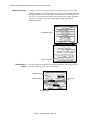
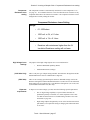
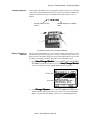
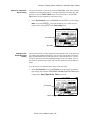
Signature Display
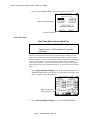
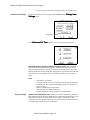
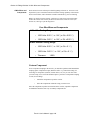
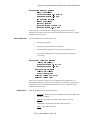
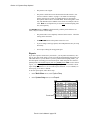
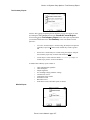
The six-digit CRC signature displays as the default in all windows and printouts that
contain signatures. The cable signature will also display in the windows with CRC
signatures if the Signature Display option is set to YES. For more information on the
types of signatures see page 90
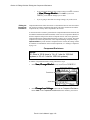
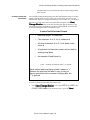
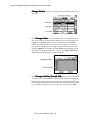
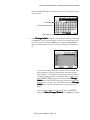
Change Language
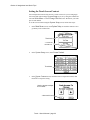
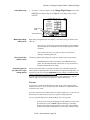
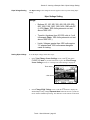
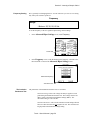
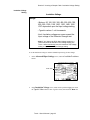
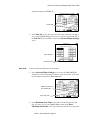
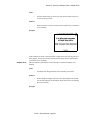
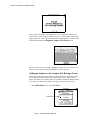
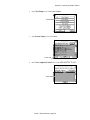
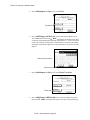
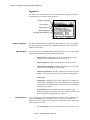
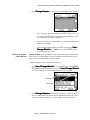
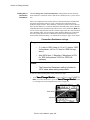
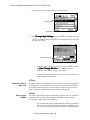
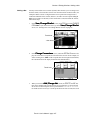
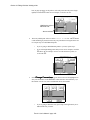
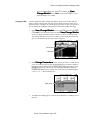
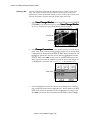
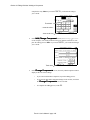
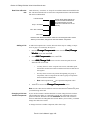
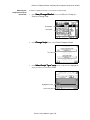
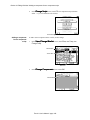
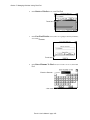
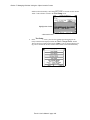
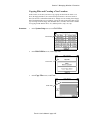
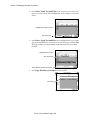
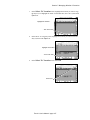
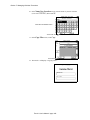
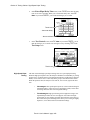
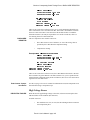
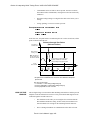
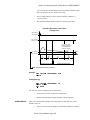
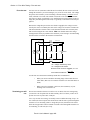
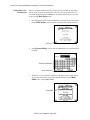
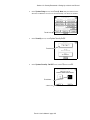
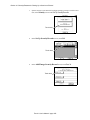
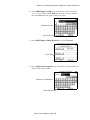
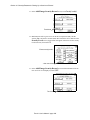
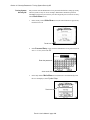
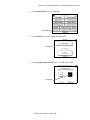
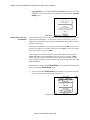
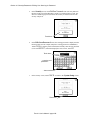
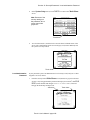
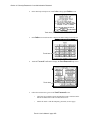
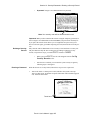
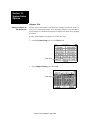
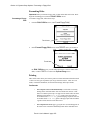
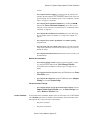
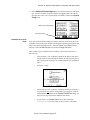
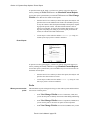
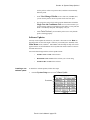
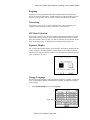
You can change the language in which the Touch 1 displays its prompts. As this manual is written, English, German, and Spanish are available. To change the language,
do these things:
1.
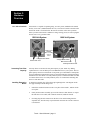
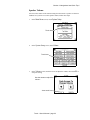
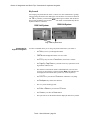
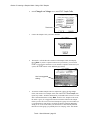
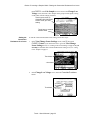
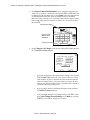
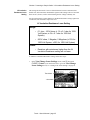
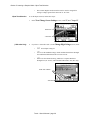
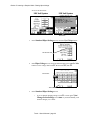
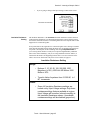
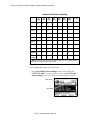
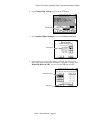
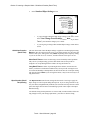
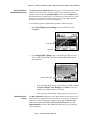
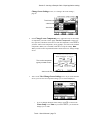
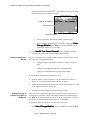
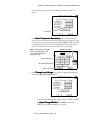
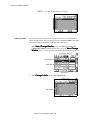
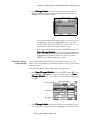
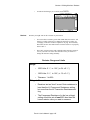
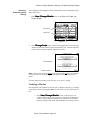
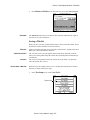
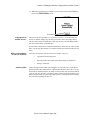
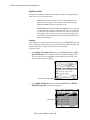
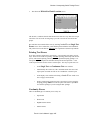
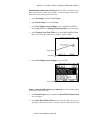
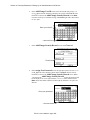
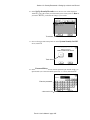
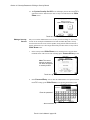
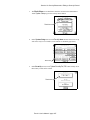
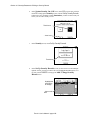
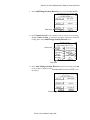
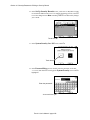
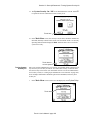
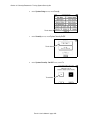
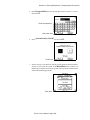
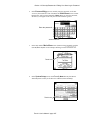
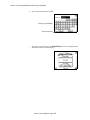
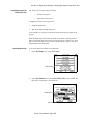
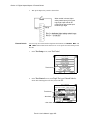
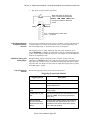
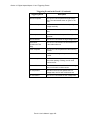
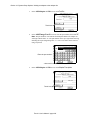
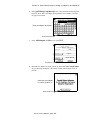
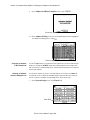
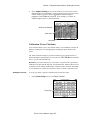
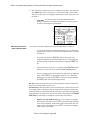
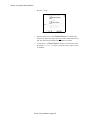
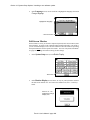
In the System Setup screen, touch Language.
Touch here
Touch 1 User’s Manual / page 283