1
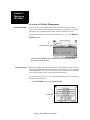
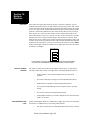
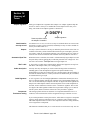
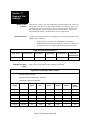
Section 10: Multiple Wirelists / Parent/Child wirelist learn
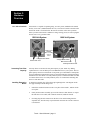
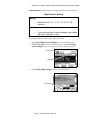
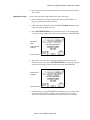
3.
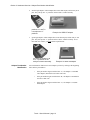
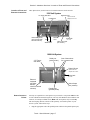
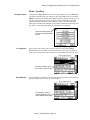
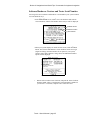
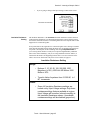
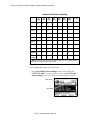
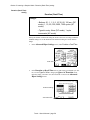
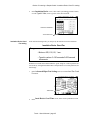
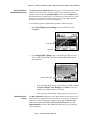
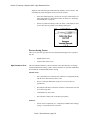
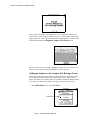
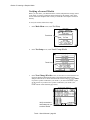
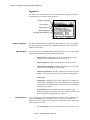
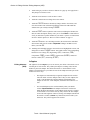
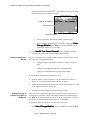
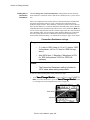
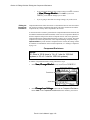
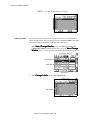
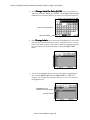
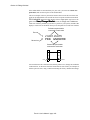
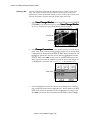
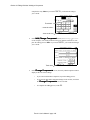
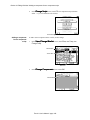
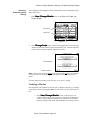
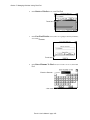
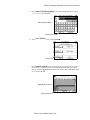
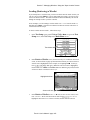
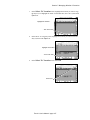
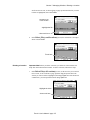
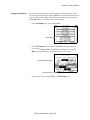
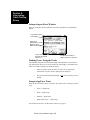
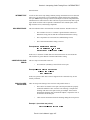
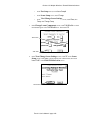
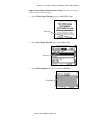
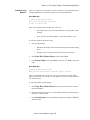
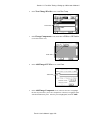
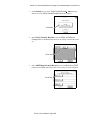
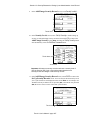
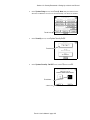
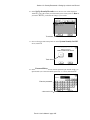
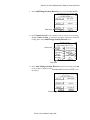
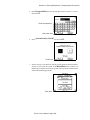
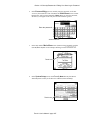
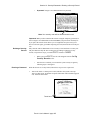
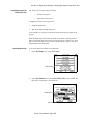
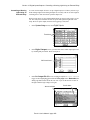
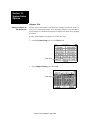
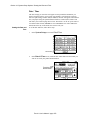
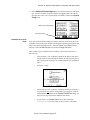
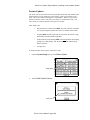
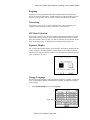
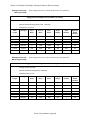
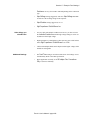
Setup screen, touch Learn Sample
•
In the Test
•
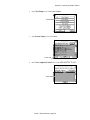
In the Learn
•
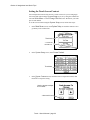
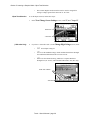
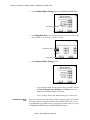
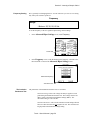
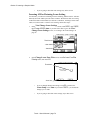
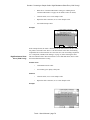
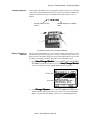
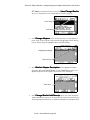
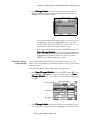
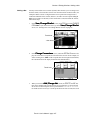
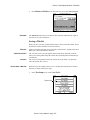
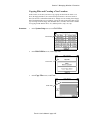
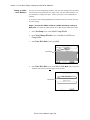
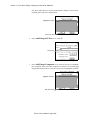
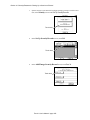
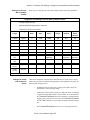
In the View/Change Learn
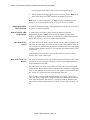
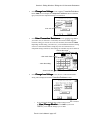
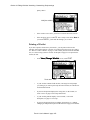
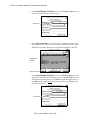
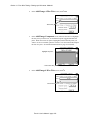
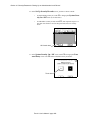
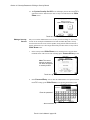
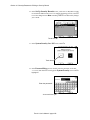
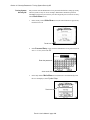
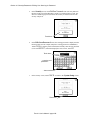
Comp, then Change Comp.
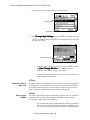
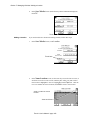
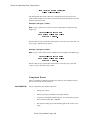
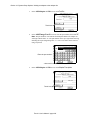
Setup screen, touch Change.
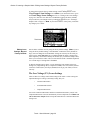
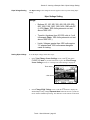
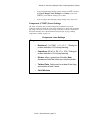
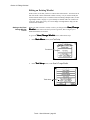
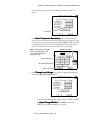
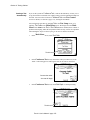
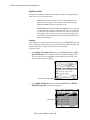
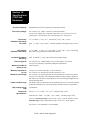
Settings screen, touch More, then
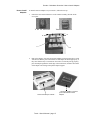
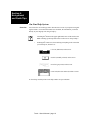
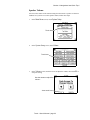
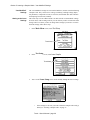
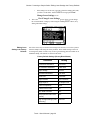
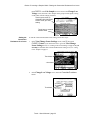
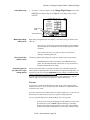
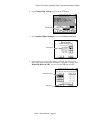
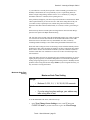
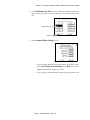
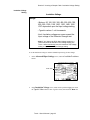
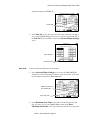
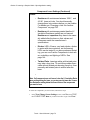
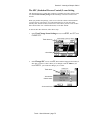
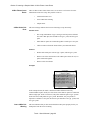
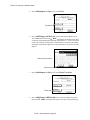
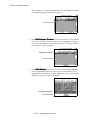
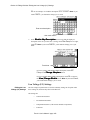
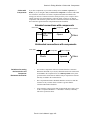
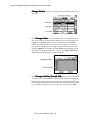
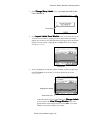
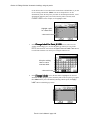
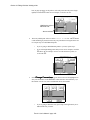
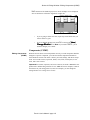
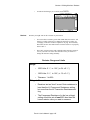
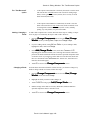
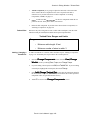
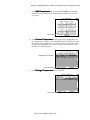
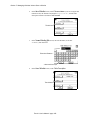
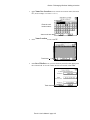
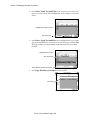
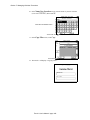
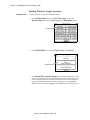
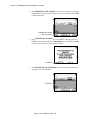
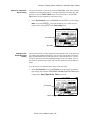
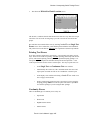
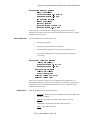
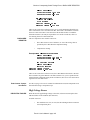
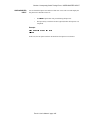
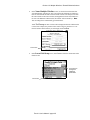
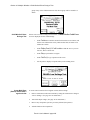
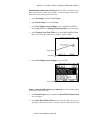
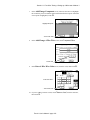
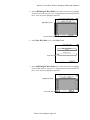
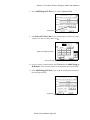
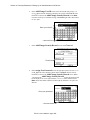
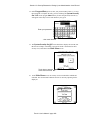
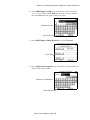
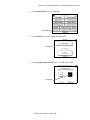
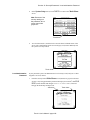
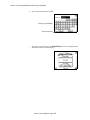
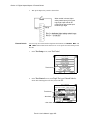
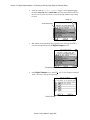
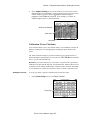
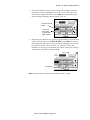
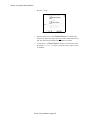
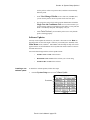
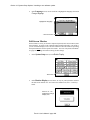
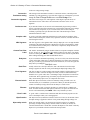
In the Change Learn Components screen, touch Child Wirelists. A check
mark should appear in the Child Wirelists box. Then touch OK.
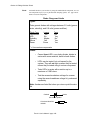
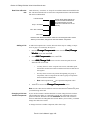
Touch here...
...then here
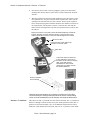
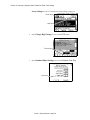
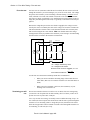
4.
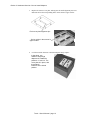
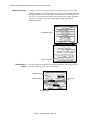
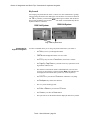
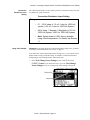
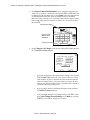
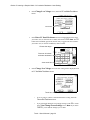
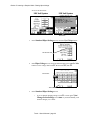
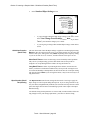
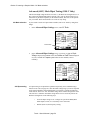
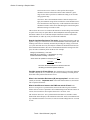
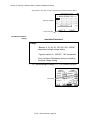
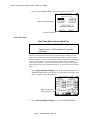
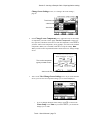
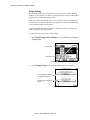
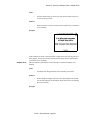
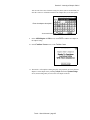
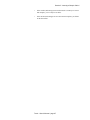
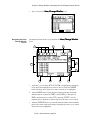
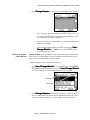
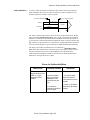
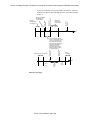
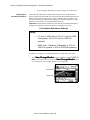
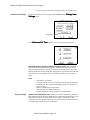
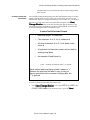
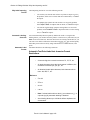
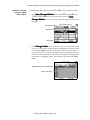
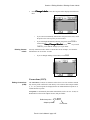
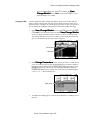
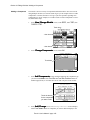
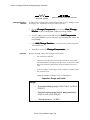
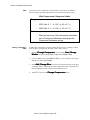
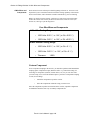
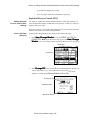
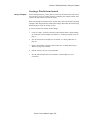
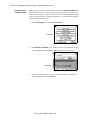
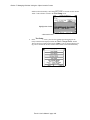
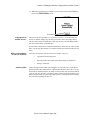
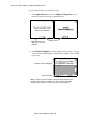
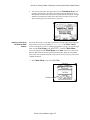
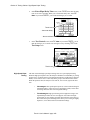
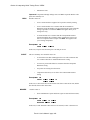
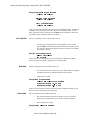
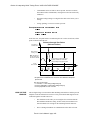
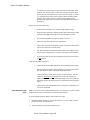
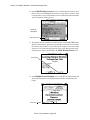
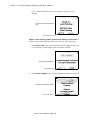
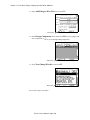
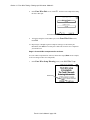
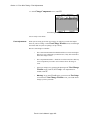
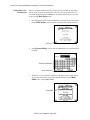
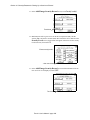
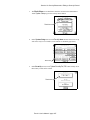
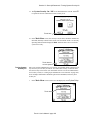
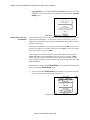
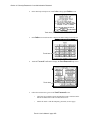
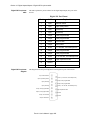
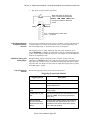
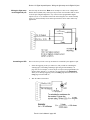
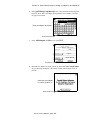
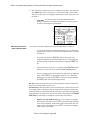
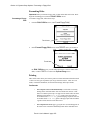
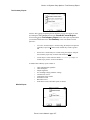
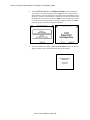
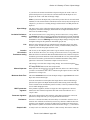
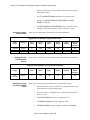
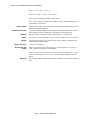
In the View/Change Learn Settings screen, touch OK. In the Learn
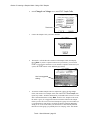
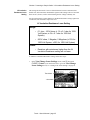
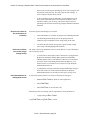
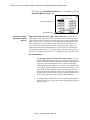
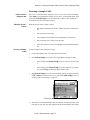
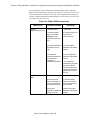
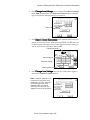
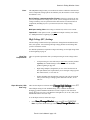
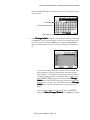
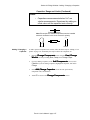
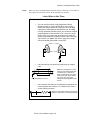
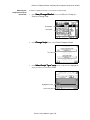
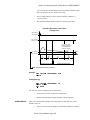
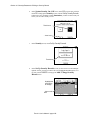
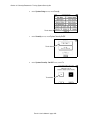
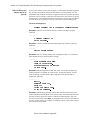
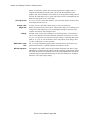
Setup screen, touch Learn to begin learning each Child wirelist, then touch
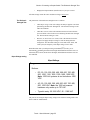
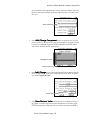
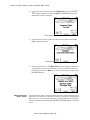
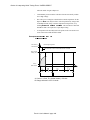
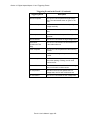
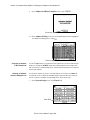
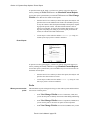
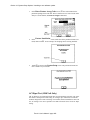
Learn Child 1 in the Child Wirelist Learn screen.
Touch here
Touch 1 User’s Manual / page 199