1
Section 6: Editing Wirelists / Adding a Net
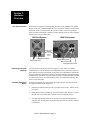
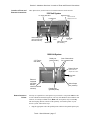
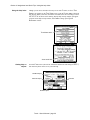
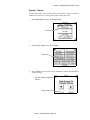
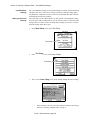
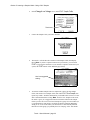
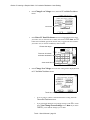
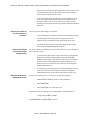
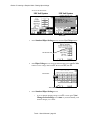
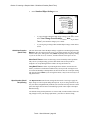
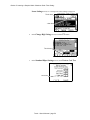
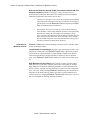
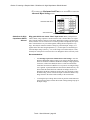
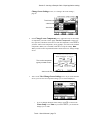
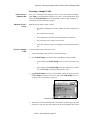
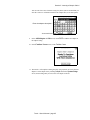
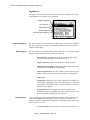
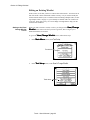
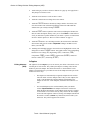
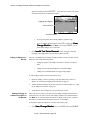
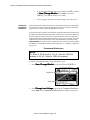
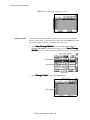
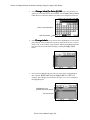
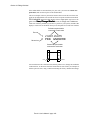
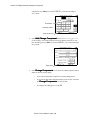
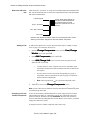
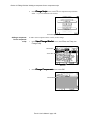
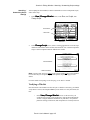
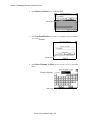
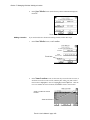
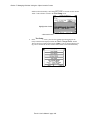
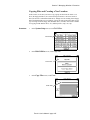
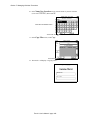
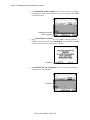
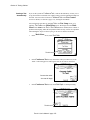
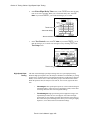
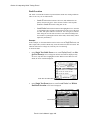
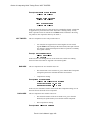
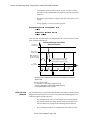
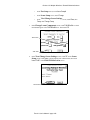
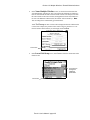
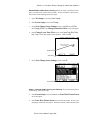
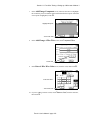
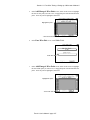
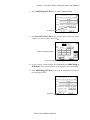
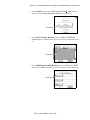
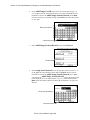
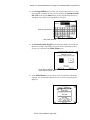
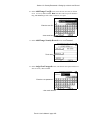
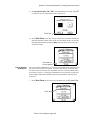
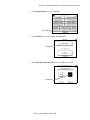
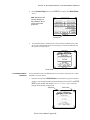
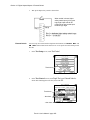
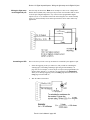
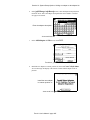
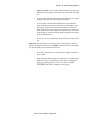
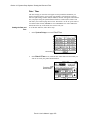
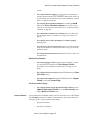
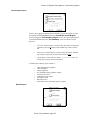
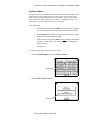
bars (to page up/down), or the probe to select the point.Once the point is highlighted, touch the ADD button. In our example, we’ll select J1-014.
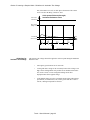
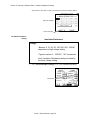
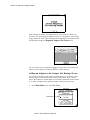
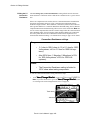
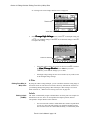
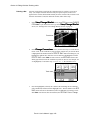
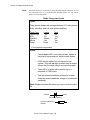
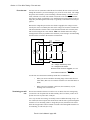
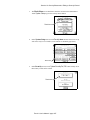
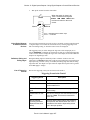
Highlight the point to
add to the net...
...then touch here
4.
5.
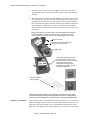
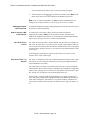
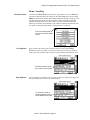
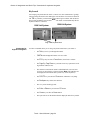
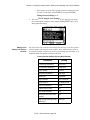
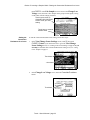
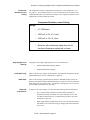
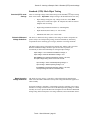
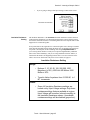
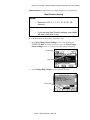
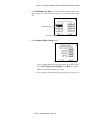
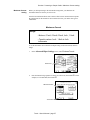
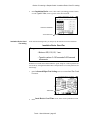
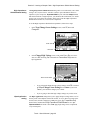
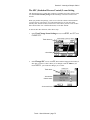
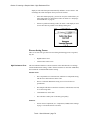
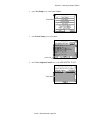
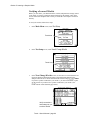
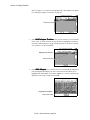
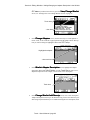
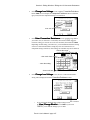
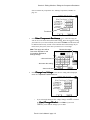
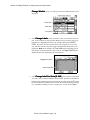
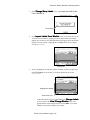
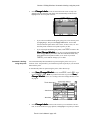
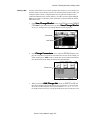
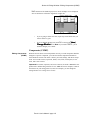
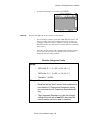
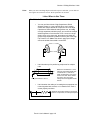
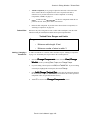
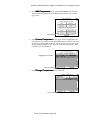
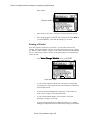
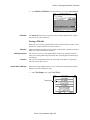
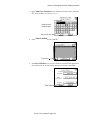
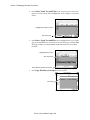
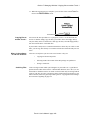
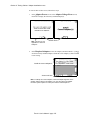
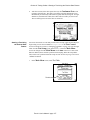
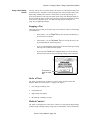
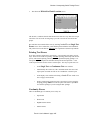
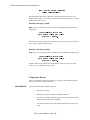
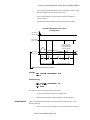
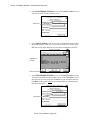
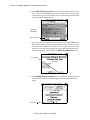
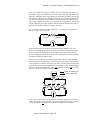
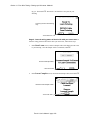
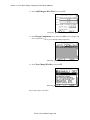
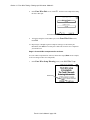
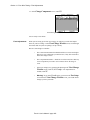
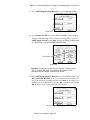
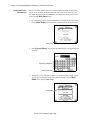
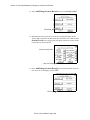
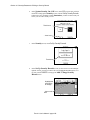
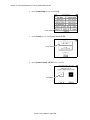
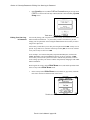
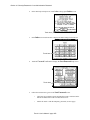
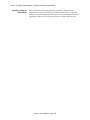
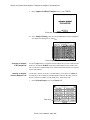
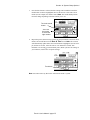
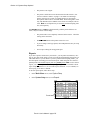
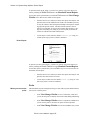
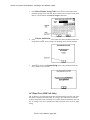
The newly-added point will move to the Points In Net list. The OK button
is still disabled (grayed out) because only one point has been assigned to the new
net. Repeat step 3 to add additional points.
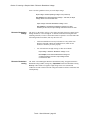
•
If you’re going to add additional points to your net, repeat step 5.
•
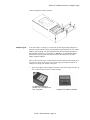
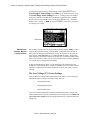
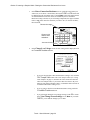
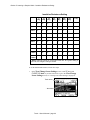
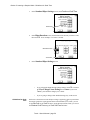
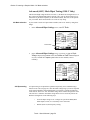
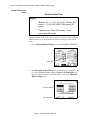
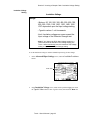
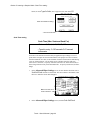
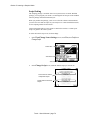
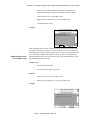
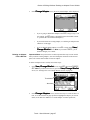
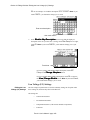
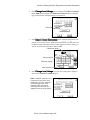
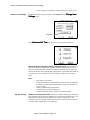
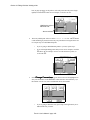
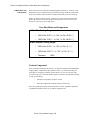
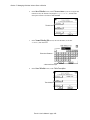
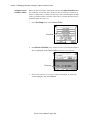
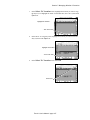
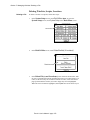
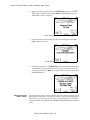
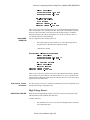
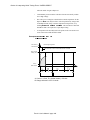
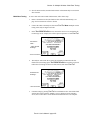
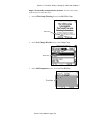
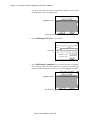
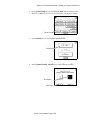
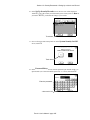
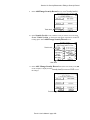
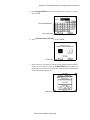
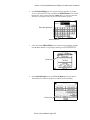
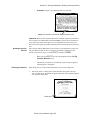
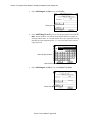
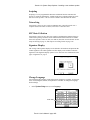
If you’re through adding points and your new net is complete, touch the
OK button. In our example, our new net will contain two points, so
we’ll touch OK..
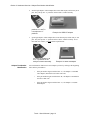
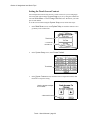
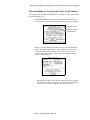
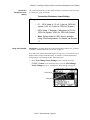
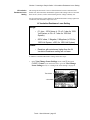
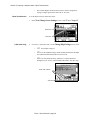
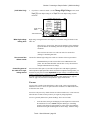
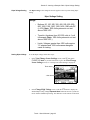
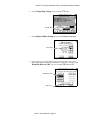
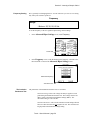
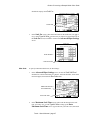
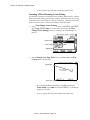
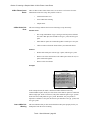
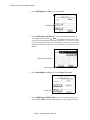
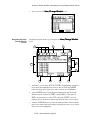
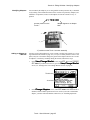
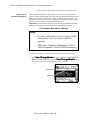
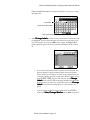
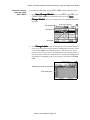
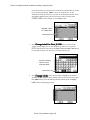
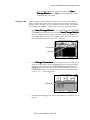
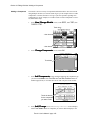
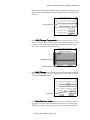
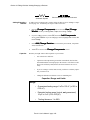
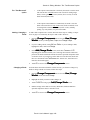
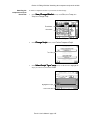
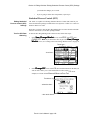
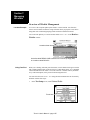
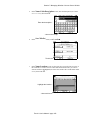
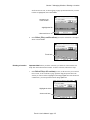
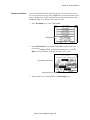
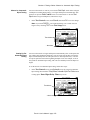
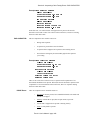
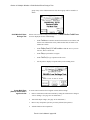
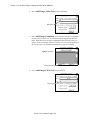
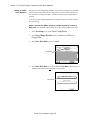
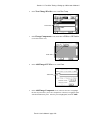
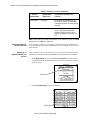
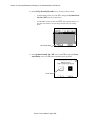
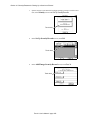
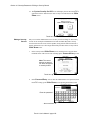
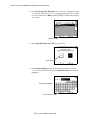
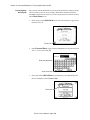
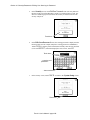
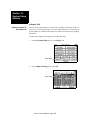
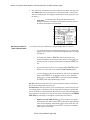
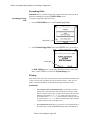
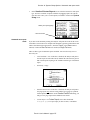
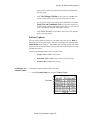
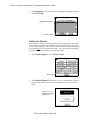
In the screen, the new net will be highlighted on
entry. The net number in the Add Net X button will have incremented by 1 (to
the number 9 in our case) since an additional net has been added.
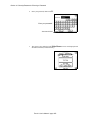
•
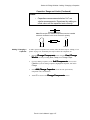
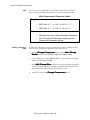
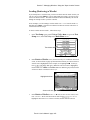
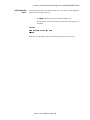
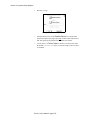
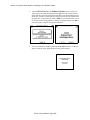
If you’re going to add more nets, repeat steps 2 through 6 until you’ve
added all the nets you want.
Touch 1 User’s Manual / page 128