1
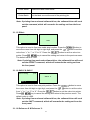
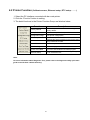
3.1.4.1.2 MAC
Ethernet
1/3
2/3
Status
> Status
MAC Address
00-1B-82
IP Address
Configure
FF-20-E4
> MAC
Exit
Exit
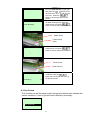
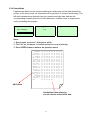
The MAC address information will be shown on the LCD display. Please press
or
button to return to the previous menu.
3.1.4.2 Configure: (DHCP / Static IP)
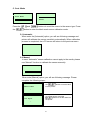
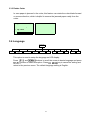
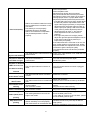
Use this menu to set the printer's DHCP and Static IP.
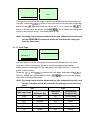
3.1.4.2.1 DHCP
Ethernet
2/4
Status
Configure
1/3
> DHCP
> Configure
Static IP
Reset
Exit
and
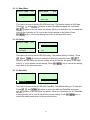
Press
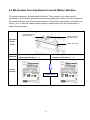
buttons to select the DHCP function and press
to enter. Press
previous menu.
key to cancel the setting and return to the
DHCP
SELECT:
MENU:
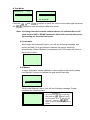
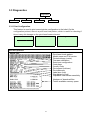
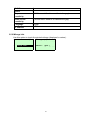
Press
Press
YES
NO
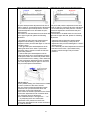
button the printer will set DHCP and restart to reset the setting.
button to return to the previous menu.
48