1
Gedview User Manual
61/84
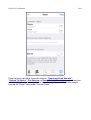
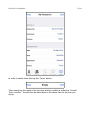
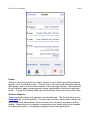
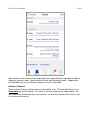
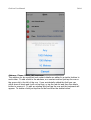
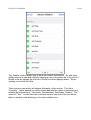
The “Details” section allows you to enter the citation information. As with other
editing views you can add a feld by tapping a row or the green dot to the left of it.
Delete a row by tapping the red dot to the left and then tapping delete. Tap an
existing row to alter the data.
There are two rows which will behave differently in this section. The frst is
“Certainty”. When tapped you will be presented with the option of selecting how
reliable the information is: “Unreliable, Questionable, Secondary, Primary”. The
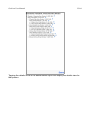
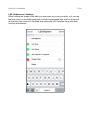
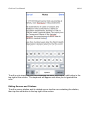
second it “Text”. As this feld can contain more than one line of text you will be
taken to another view allowing you to enter multiple lines.