1
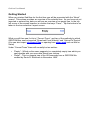
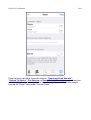
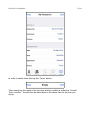
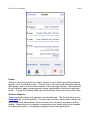
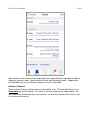
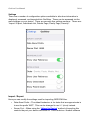
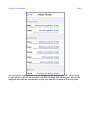
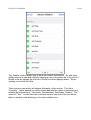
Gedview User Manual 38/84 Settings There are a number of confguration options available to alter how information is displayed, accessed, and imported into GedView. These can be accessed via the main settings on your device. There are currently fve settings sections. These are: “Import / Export, Individuals List, Details Page, Family Page, Security”. Import / Export Here you can modify the settings used for importing GEDCOM fles. Date About Prefx – The default behaviour is for dates that are approximate is to use the prefx “ABT”. This can be changed to use “c” (circa) instead. Server Port – When using the “Upload to Device” method of importing this controls the port your device will listen on. Some antivirus / frewall software