1
Section 2: Accessing the database
Please make sure you are familiar with the DMuDB Acceptable Use Policy before you log on to the
database. See Section 1 for details.
DMuDB account set up and login
Each laboratory that is registered with DMuDB has its own laboratory account. Each laboratory can have
multiple staff members, who will each have their own unique usernames and passwords.
New staff accounts can be created at any time by sending a request to [email protected]. A DMuDB
curator will usually call the designated laboratory contact to confirm that the request is legitimate before
setting up the new account.
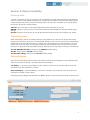
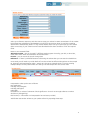
Your account comprises the following information:
Username: this is a permanent identification used to uniquely identify each user. You will use it to log on
to the database.
Display name: this is the name that other database users will see in areas where users are identified, e.g.
on data submission.
First name/Surname: this is a record of your name and can be different from your display name.
Laboratory: this identifies which laboratory you belong to. Database access rights and restrictions (i.e.
what data you can see in the database) are set for laboratories rather than for individuals.
Email address: this will be used to email password details if you ever need to reset your password, and
so must be an active email address.
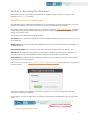
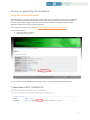
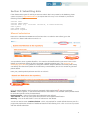
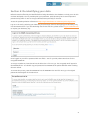
Log in to your account at https://secure.dmudb.net/ngrl-rep/Home.do. Both username and password
are case sensitive.
If you have forgotten your password, click on the Forgotten your password? link and follow the
instructions to reset your password.
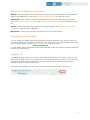
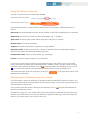
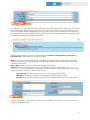
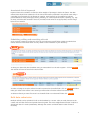
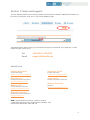
Once logged in you will see buttons for the different control areas of the database in the top right hand
corner.
4