1
be carried out till system restarts.
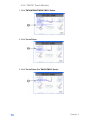
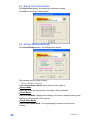
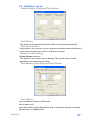
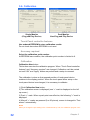
Calibration screen
Key input at calibration screen
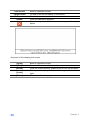
[Home]
[Esc]
[Arrow keys]
[Enter]
Cancel calibration data and skip to test screen.
Cancel calibration data and close calibration program.
Move the calibration point mark.
Revise the calibration data and skip to test screen.
Test screen
You can do free drawing in this screen so that the result of the calibration can
be judged by watching pen input position and displayed position.
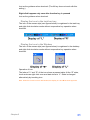
Drawing test screen where key box is used
Key box input of this drawing test screen
Chapter 5
33