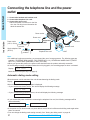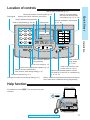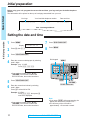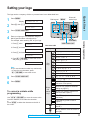
1
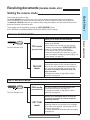
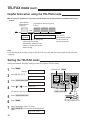
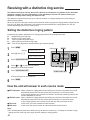
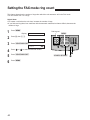
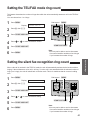
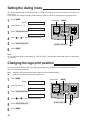
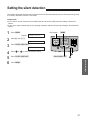
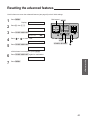
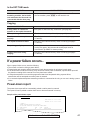
Setting the silent detection
This feature allows the facsimile unit to activate the fax function automatically when a silent pause longer than
4 seconds is detected in the EXT.TAM mode.
Helpful hints:
¡If you wish to receive documents from stations that do not send a calling tone after dialing, activate this
feature.
¡If you use a single cassette tape to give greeting messages and record incoming messages, deactivate this
feature.
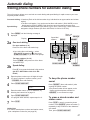
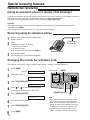
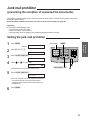
1
Press (MENU).
2
Press K, then D @.
Display:
SYSTEM SET UP
SILENT DETECT.
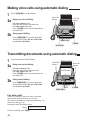
3
Press (START/COPY/SET).
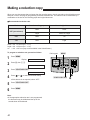
4
5
6
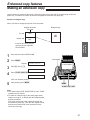
Press
MODE=ON
or
(MENU)
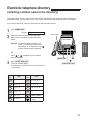
Dial keypad
1
2
3
4
5
6
7
8
9
0
[Ÿÿ]
to select the desired setting.
Press (START/COPY/SET).
(START/COPY/SET)
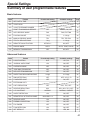
Special Settings
Press (MENU).
51