1
AWS CloudFormation User Guide
AWS::AutoScaling::ScheduledAction
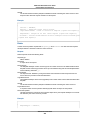
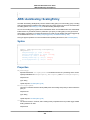
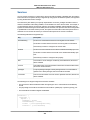
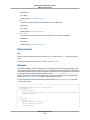
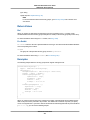
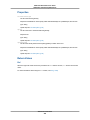
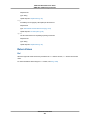
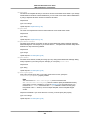
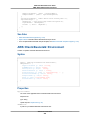
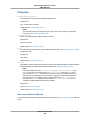
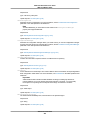
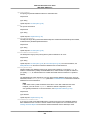
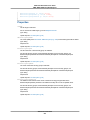
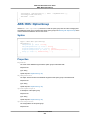
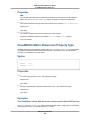
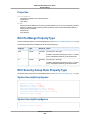
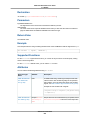
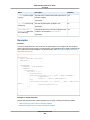
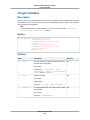
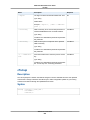
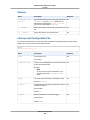
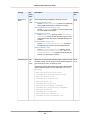
Recurrence
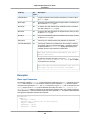
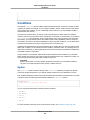
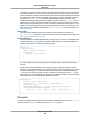
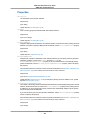
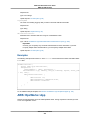
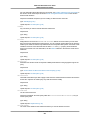
The time in UTC when recurring future actions will start. You specify the start time by following the
Unix cron syntax format. For more information about cron syntax, go to http://en.wikipedia.org/wiki/
Cron.
Specifying the StartTime and EndTime properties with Recurrence property forms the start and
stop boundaries of the recurring action.
Required: No
Type: String
Update requires: No interruption (p. 86)
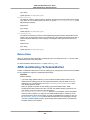
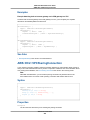
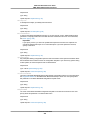
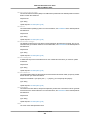
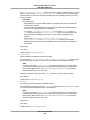
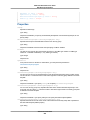
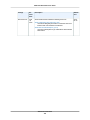
StartTime
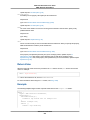
The time in UTC for this schedule to start. For example, 2010-06-01T00:00:00Z.
Required: No
Type: Time stamp
Update requires: No interruption (p. 86)
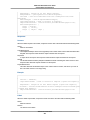
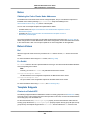
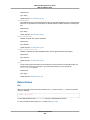
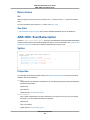
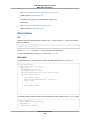
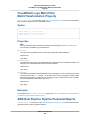
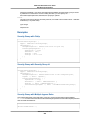
Return Value
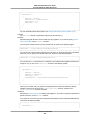
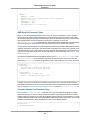
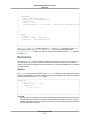
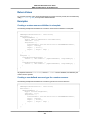
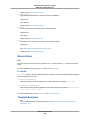
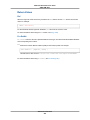
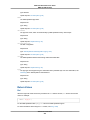
When the logical ID of this resource is provided to the Ref intrinsic function, Ref returns the resource
name. For example:
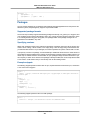
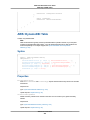
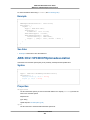
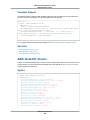
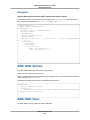
{ "Ref": "MyScheduledAction" }
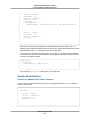
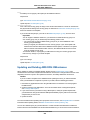
For a scheduled Auto Scaling action with the logical ID MyScheduledAction, Ref returns the scheduled
action name. For example:
mystack-myscheduledaction-NT5EUXTNTXXD
For more information about using the Ref function, see Ref (p. 669).
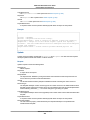
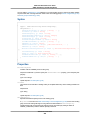
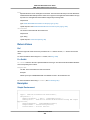
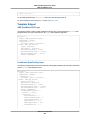
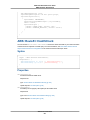
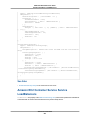
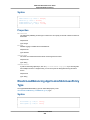
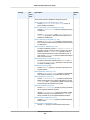
Auto Scaling Scheduled Action Snippet
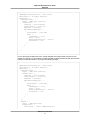
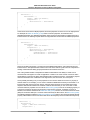
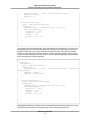
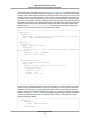
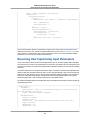
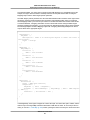
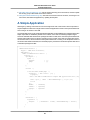
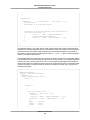
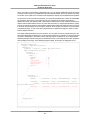
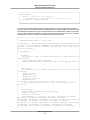
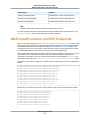
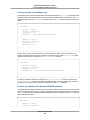
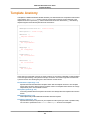
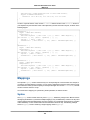
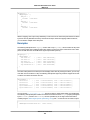
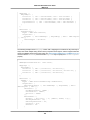
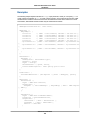
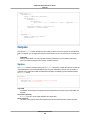
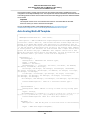
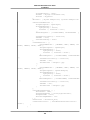
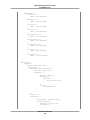
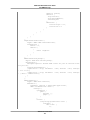
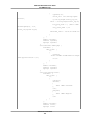
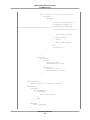
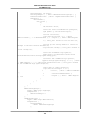
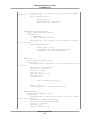
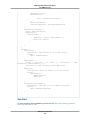
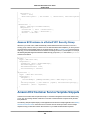
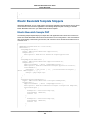
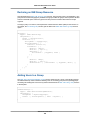
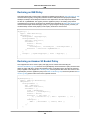
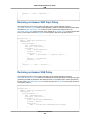
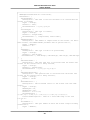
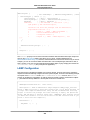
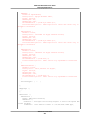
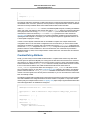
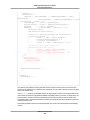
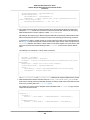
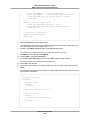
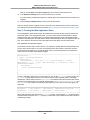
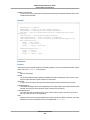
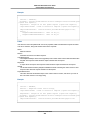
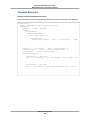
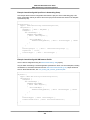
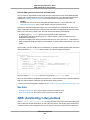
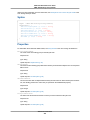
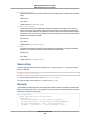
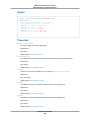
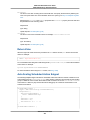
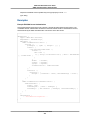
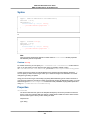
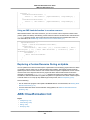
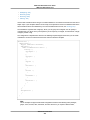
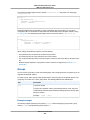
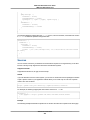
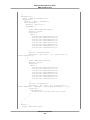
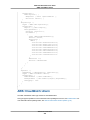
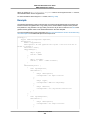
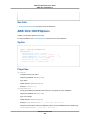
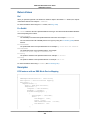
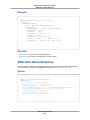
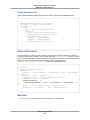
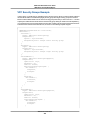
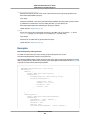
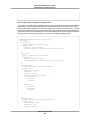
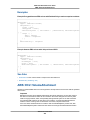
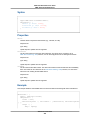
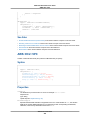
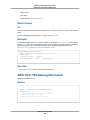
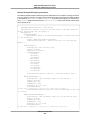
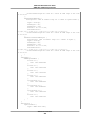
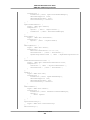
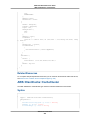
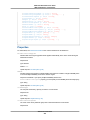
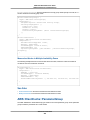
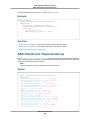
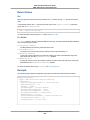
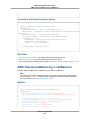
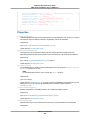
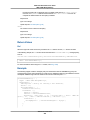
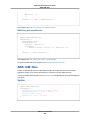
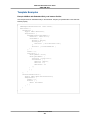
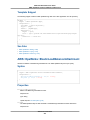
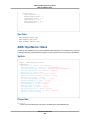
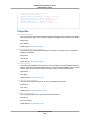
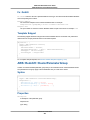
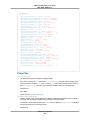
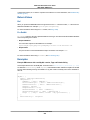
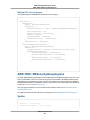
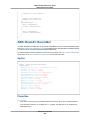
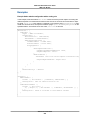
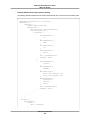
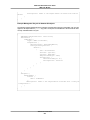
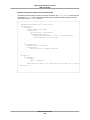
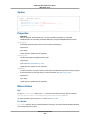
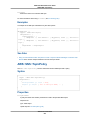
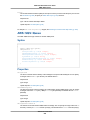
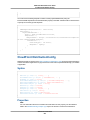
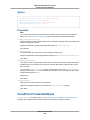
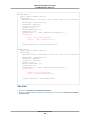
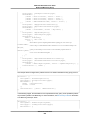
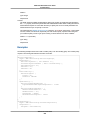
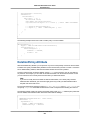
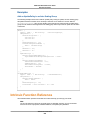
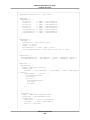
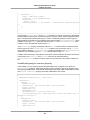
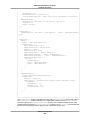
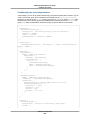
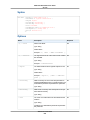
The following template snippet includes two scheduled actions that scale the number of instances in an
Auto Scaling group. The ScheduledActionUp action starts at 7 AM every day and sets the Auto Scaling
group to a minimum of five Amazon EC2 instances with a maximum of 10. The ScheduledActionDown
action starts at 7 PM every day and sets the Auto Scaling group to a minimum and maximum of one
Amazon EC2 instance.
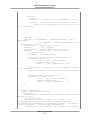
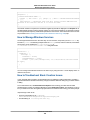
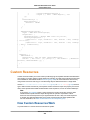
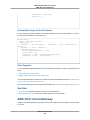
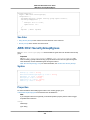
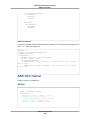
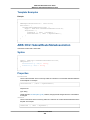
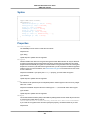
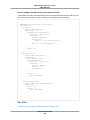
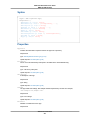
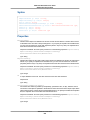
"ScheduledActionUp": {
"Type": "AWS::AutoScaling::ScheduledAction",
"Properties": {
"AutoScalingGroupName": {
"Ref": "WebServerGroup"
},
"MaxSize": "10",
"MinSize": "5",
"Recurrence": "0 7 * * *"
}
},
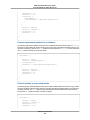
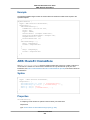
"ScheduledActionDown": {
API Version 2010-05-15
307