1
54
BD FACSVerse System User’s Guide
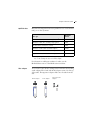
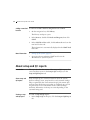
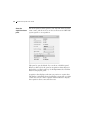
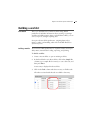
Adding a new CS&T To add a new CS&T bead lot using the barcode scanner:
bead lot
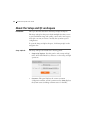
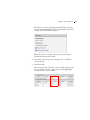
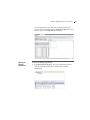
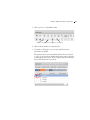
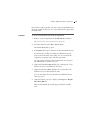
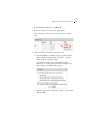
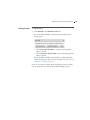
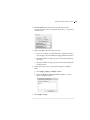
1. On the navigation bar, click Library.
The Library workspace opens.
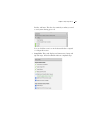
2. In the Browser, double-click Beads and Reagents, then click
CS&T.
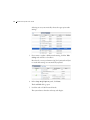
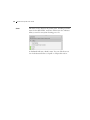
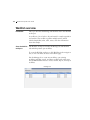
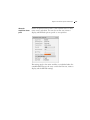
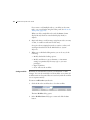
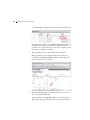
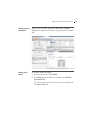
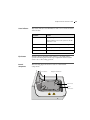
3. In the CS&T Bead Lots table, click Scan barcode and scan the
new bead lot barcode.
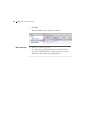
The information is automatically displayed in the CS&T Bead
Lots table.
More information
•
Setting up the system (page 38)
•
See topics about transferring CS&T bead lots in the
BD FACSVerse System Reference.
About setup and QC reports
Introduction
This topic describes the content of the setup and QC reports. You
can access these reports in the Setup & QC workspace, in the
Setup and QC Reports tab.
About setup and
QC reports
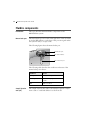
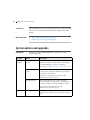
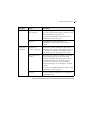
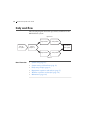
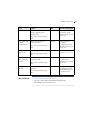
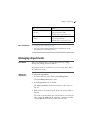
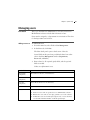
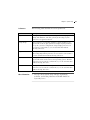
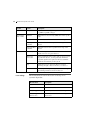
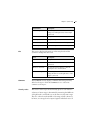
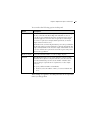
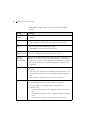
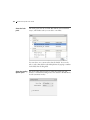
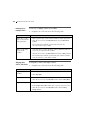
Setup and QC reports contain information about the system,
detectors settings, lasers, setup bead lots, and cytometer settings.
They are generated after characterization QC, performance QC,
and laser setup. Each time a procedure is completed, two reports
are generated, one for each fluidics mode: normal and high
sensitivity. Information in the reports varies depending on the
cytometer being used.
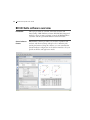
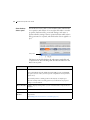
Viewing a setup
and QC report
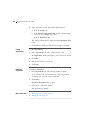
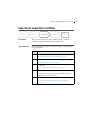
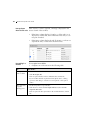
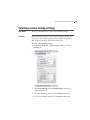
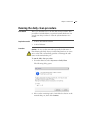
To view a setup and QC report:
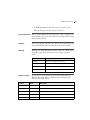
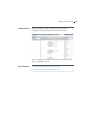
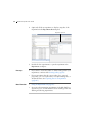
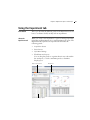
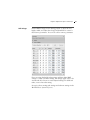
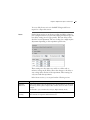
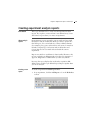
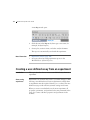
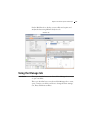
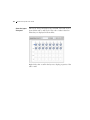
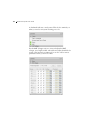
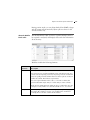
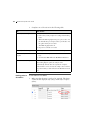
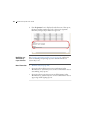
1. In the Setup & QC workspace, click the Setup and QC Report
tab.