1
Software Installation
GelCapture Software Installation for Windows 7
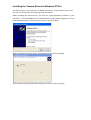
Once you have set up the hardware, you can install all of the required software.
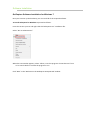
To install GelCapture for Windows 7 proceed as follows:
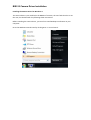
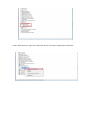
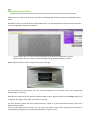
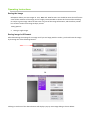
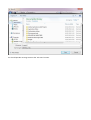
Insert the CD into your PC and right-click the”GelCapture.exe” installation file.
Select “Run as administrator”.
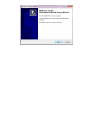
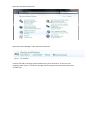
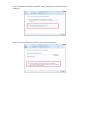
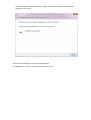
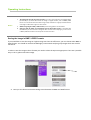
When the next window appears, select “Allow, I trust this program. I know where it's from
or I've used it before” to allow the program to run.
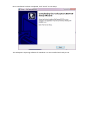
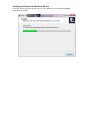
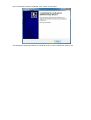
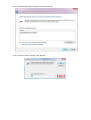
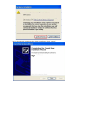
Click “Next” in the 'Welcome to the GelCapture Setup Wizard' window.