1
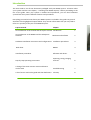
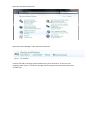
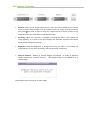
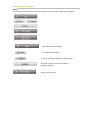
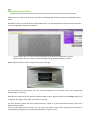
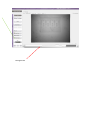
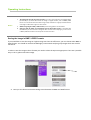
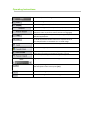
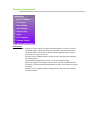
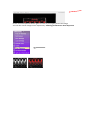
Full screen
Save Settings
Load Settings
Pseudo Color
Invert
Over
Exposure
Contrast
Stretch
Optical
Enhancement
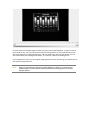
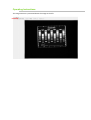
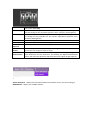
Displays the image so that it fills the entire screen. To return to the GelCapture
main screen press [Esc].
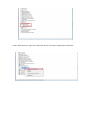
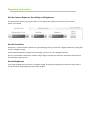
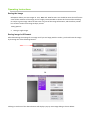
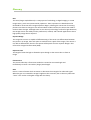
If you wish to save a procedure for future use, clicking on Save Settings, will
save the settings of the proceudre (exposure time, sensitivity and brighness)
If you wish to work with a saved procedure, clicking on Load Settings, will set
the settings of the proceudre for this current experiment (exposure time,
sensitivity and brighness)
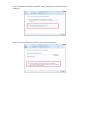
Shows the image in pseudo colors
Presents an inverse version of the image
Shows in red those areas that are overexposed.
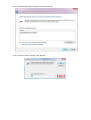
Automatically increases the stretching of the image. This option helps reveal low
concentrations of biological samples in the gel.
The image presented both in UV and WL is processed through an algorithm
which eliminates the lens distortions. Un-checking the Optical Enhancement
button, will cancel the algorithm and will present the original image captured.
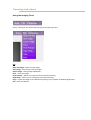
?
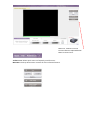
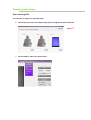
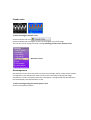
About GelCapture -displays the information about the software version you are working on.
DNR Website – directs you to DNR’s website.