1
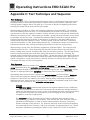
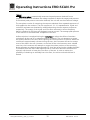
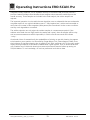
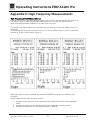
Operating Instructions EROCSCAN Pro
10.2
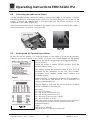
Managing Protocols in the Instrument
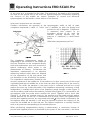
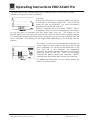
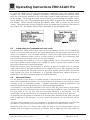
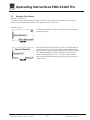
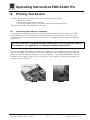
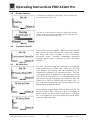
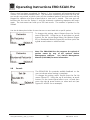
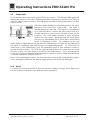
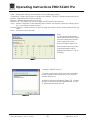
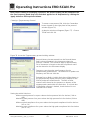
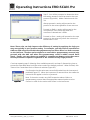
To load new or modified protocols into
the instrument or to remove unused
protocols from the instrument, click on
the Instrument menu, and then select
Manage Protocols and Protocol Series
(Figure 80).
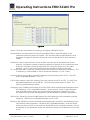
Figure 80
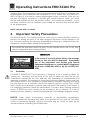
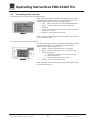
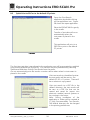
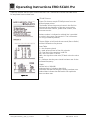
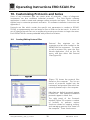
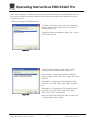
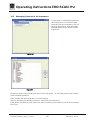
Figure 81
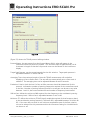
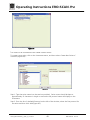
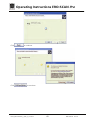
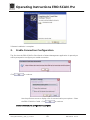
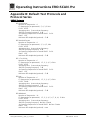
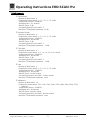
(Figure 81) shows the protocols and series in the instrument. On the right panel of the window
are the following buttons:
View: displays the selected protocol or series settings
Remove: removes the selected protocol or series from the instrument
Load: opens the directory from which the user can select a protocol file to load in the instrument
Done: exit
Geba_EROSCANPro_E_REV_a_12a.docx
45
850 041/2 01/12