1
ROXMAP USER MANUAL
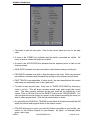
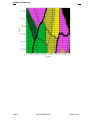
• Colour by depth colours are defined by the DEPTH SCALE button. Click on the
DEPTH SCALE button. This will produce a scale with associated colours.
The scale is adjustable by clicking on the up and down pointing arrow buttons, which
increase and decrease the minimum and maximum depths accordingly. Click on OK if
you are satisfied with the scale.
• The DISREGARD CHANGES button will cancel all changes made and return you to
the TRACKS MENU.
• The OK button will keep all the changes made and return you to the TRACKS
MENU.
• Clicking the DELETE button in the TRACKS MENU to delete the track that is
currently the PAST TRACK.
• Clicking on the FINISHED button will return you to the MAIN MENU.
NOTE
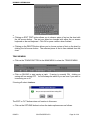
To see the change take effect you must click on the chart. A Track is all the data
saved from the time you start saving until the time you stop saving.
DISPLAYS MENU
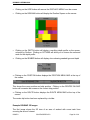
Clicking on the DISPLAYS button in the MAIN MENU shows the DISPLAYS MENU.
ISSUE 0
SSV/ENG/SPEC/076
Page 21 of 39