1
AT-S39 Command Line Interface User’s Guide
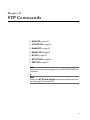
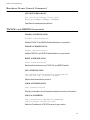
Management Security Commands
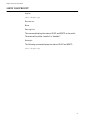
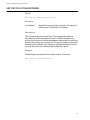
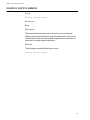
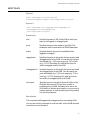
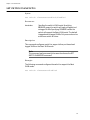
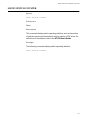
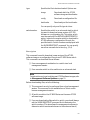
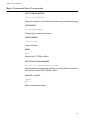
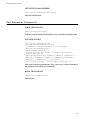
SET PASSWORD MANAGER
set password manager
Sets the manager’s password.
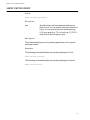
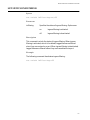
SET PASSWORD OPERATOR
set password operator
Sets the operator’s password.
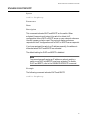
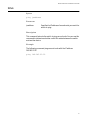
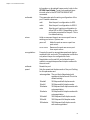
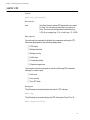
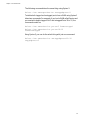
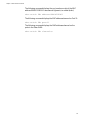
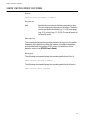
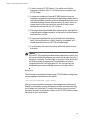
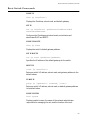
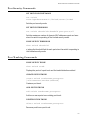
SHOW HTTP SERVER
show http server
Displays the status of the HTTP server on the switch.
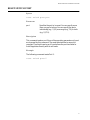
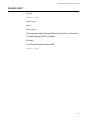
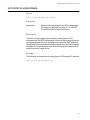
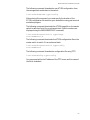
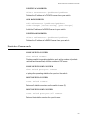
ENABLE HTTP SERVER
enable http server
Enables the HTTP server on the switch so that the device can be
managed from a web browser.
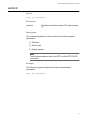
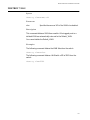
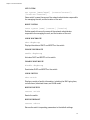
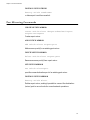
DISABLE HTTP SERVER
disable http server
Disables the HTTP server on the switch so that the device cannot be
managed from a web browser.
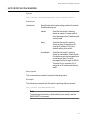
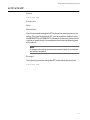
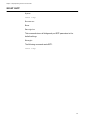
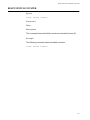
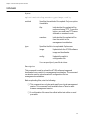
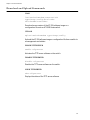
ENABLE SNMP
enable snmp
Enables SNMP on the switch so that the device can be managed from a
SNMP application program.
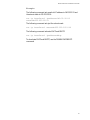
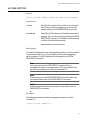
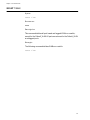
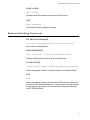
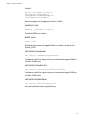
DISABLE SNMP
disable snmp
Disables SNMP on the switch so that the device cannot be managed
from a SNMP application program.
173