1
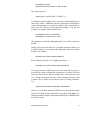
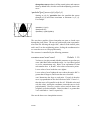
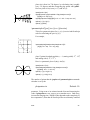
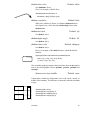
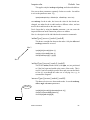
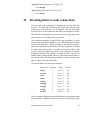
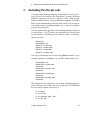
\rotateright{stuff }
\rotatedown{stuff }
Right
Down
Left
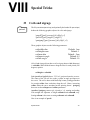
stuff is put in an \hbox and then rotated or scaled, leaving the appropriate
amount of spaces. Here are a few uninteresting examples:
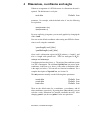
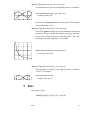
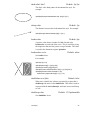
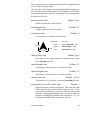
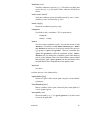
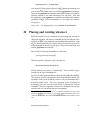
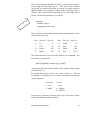
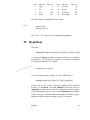
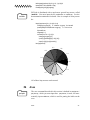
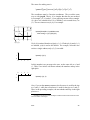
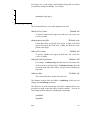
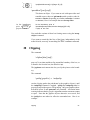
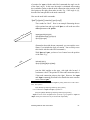
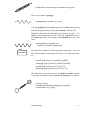
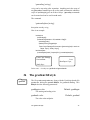
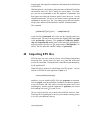
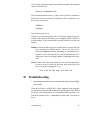
\Large\bf \rotateleft{Left} \rotatedown{Down} \rotateright{Right}
There are also two box scaling macros:
\scalebox{num1 num2}{stuff }
If you give two numbers in the first argument, num1 is used to
scale horizontally and num2 is used to scale vertically. If you give
just one number, the box is scaled by the same in both directions.
You can’t scale by zero, but negative numbers are OK, and have
the effect of flipping the box around the axis. You never know
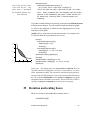
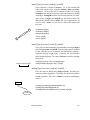
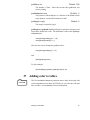
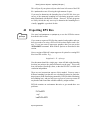
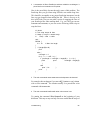
when you need to do something like siht (\scalebox{-1 1}{this}).
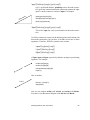
\scaleboxto(x, y){stuff }
This time, the first argument is a (Cartesian) coordinate, and the
box is scaled to have width x and height (plus depth) y. If one of
the dimensions is 0, the box is scaled by the same amount in both
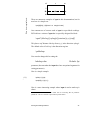
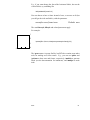
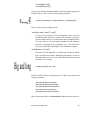
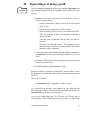
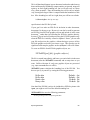
directions. For example:
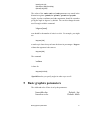
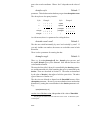
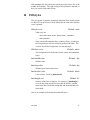
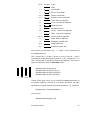
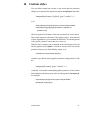
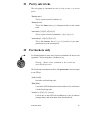
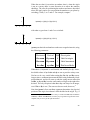
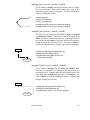
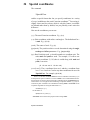
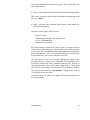
Big andlong
\scaleboxto(4,2){Big and long}
PSTricks defines LR-box environments for all these box rotation and
scaling commands:
\pslongbox{Rotateleft}{\rotateleft}
\pslongbox{Rotateright}{\rotateright}
\pslongbox{Rotatedown}{\rotatedown}
\pslongbox{Scalebox}{\scalebox}
\pslongbox{Scaleboxto}{\scaleboxto}
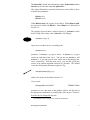
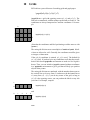
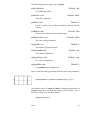
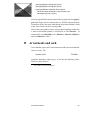
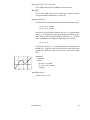
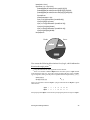
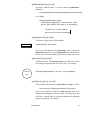
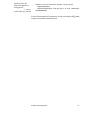
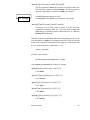
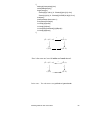
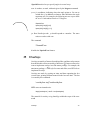
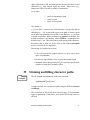
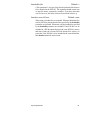
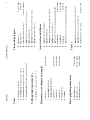
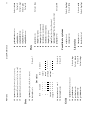
Here is an example where we \Rotatedown for the answers to exercises:
Rotation and scaling boxes
56