1
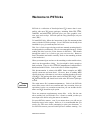
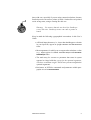
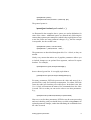
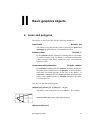
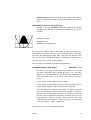
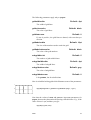
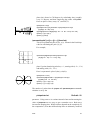
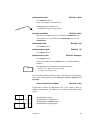
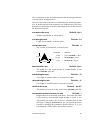
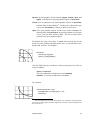
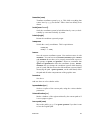
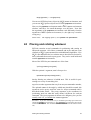
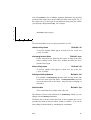
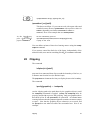
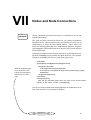
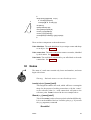
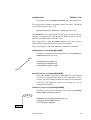
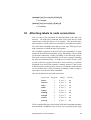
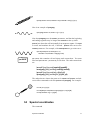
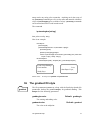
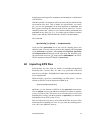
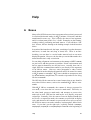
Here is a marginal note.
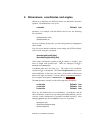
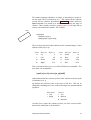
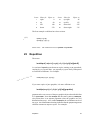
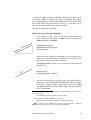
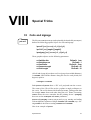
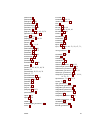
tl
t
tr
r
l
Bl
B
Br
bl
b
br
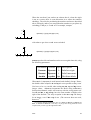
There are numerous examples of \rput in this documentation, but for
now here is a simple one:
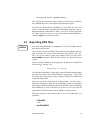
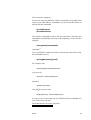
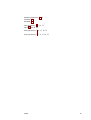
\rput[b]{90}(-1,0){Here is a marginal note.}
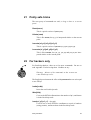
One common use of a macro such as \rput is to put labels on things.
PSTricks has a variant of \rput that is especially designed for labels:
\uput*{labelsep}[refangle ]{rotation}(x , y ){stuff }
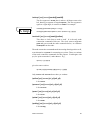
This places stuff distance labelsep from (x , y ), in the direction refangle.
The default value of labelsep is the dimension register
\pslabelsep
You can also change this be setting the
labelsep=dim
Default: 5pt
parameter (but remember that \uput does have an optional argument for
setting parameters).
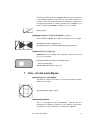
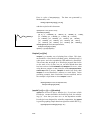
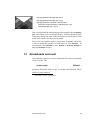
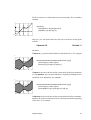
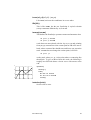
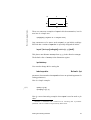
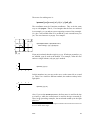
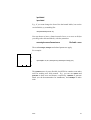
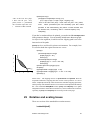
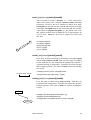
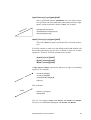
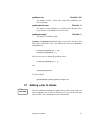
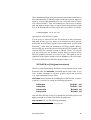
Here is a simple example:
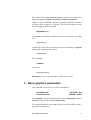
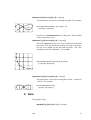
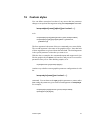
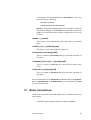
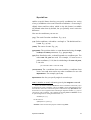
(1,1)
\qdisk(1,1){1pt}
\uput[45](1,1){(1,1)}
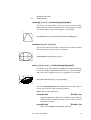
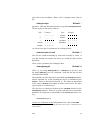
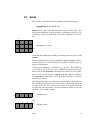
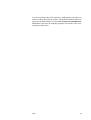
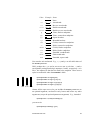
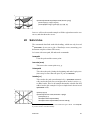
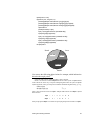
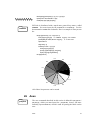
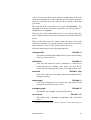
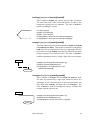
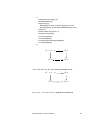
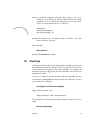
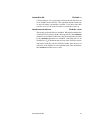
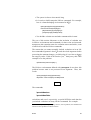
Here is a more interesting example where \uput is used to make a pie
chart:9
9
PSTricks is distributed with a useful tool for converting data to piecharts:
piechart.sh. This is a UNIX sh script written by Denis Girou.
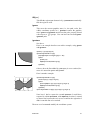
Placing and rotating whatever
44