1
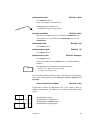
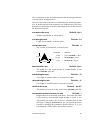
\ncloop*[par]{arrows }{nodeA}{nodeB}
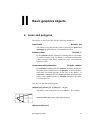
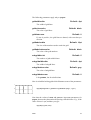
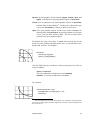
The first segment is armA, then it makes a 90 degree turn to the
left, drawing a segment of length loopsize. The next segment is
again at a right angle; it connects to armB. For example:
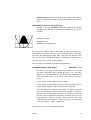
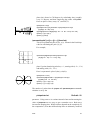
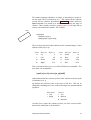
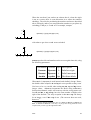
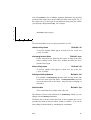
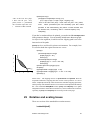
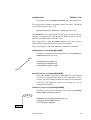
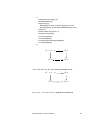
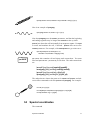
A loop
\rnode{a}{\psframebox{\Huge A loop}}
\ncloop[angleB=180,loopsize=1,arm=.5,linearc=.2]{->}{a}{a}
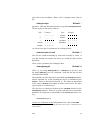
\nccircle*[par]{arrows }{node }{radius }
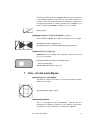
This draws a circle from a node to itself. It is the only node
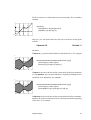
connection command of this sort. The circle starts at angle angleA and goes around the node counterclockwise, at a distance
nodesepA from the node.
The node connection commands make interesting drawing tools as well,
as an alternative to \psline for connecting two points. There are variants
of the node connection commands for this purpose. Each begins with
pc (for “point connection”) rather than nc. E.g.,
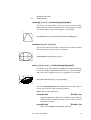
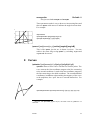
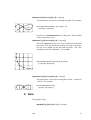
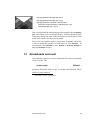
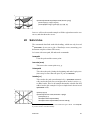
\pcarc{<->}(3,4)(6,9)
gives the same result as
\pnode(3,4){A}\pnode(6,9){B}\pcarc{<->}{A}{B}
Only \ncLine and \nccircle do not have pc variants:
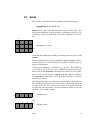
\pcline*[par]{arrows }(x1, y1)(x2 , y2 )
Like \ncline.
\pccurve*[par]{arrows }(x1, y1)(x2 , y2 )
Like \nccurve.
\pcarc*[par]{arrows }(x1, y1)(x2 , y2 )
Like \ncarc.
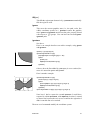
\pcbar*[par]{arrows }(x1, y1)(x2 , y2 )
Like \ncbar.
\pcdiag*[par]{arrows }(x1, y1)(x2 , y2 )
Like \ncdiag.
Node connections
65