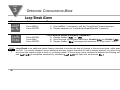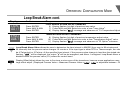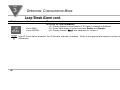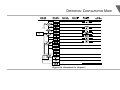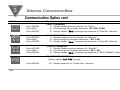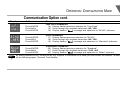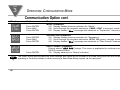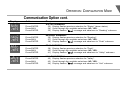
1
part
3
OPERATION: CONFIGURATION MODE
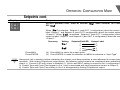
Output 1 cont.
Display
DEAD
BAND
DEAD
006. 7
Note ☞
50
Action
Press ENTER
Press MAX & MIN
Press ENTER
Response
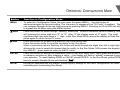
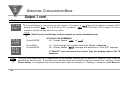
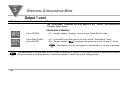
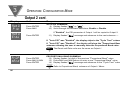
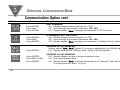
The "Dead Band" submenu will only appear if the "On/Off" was selected from the
"Control Type" menu.
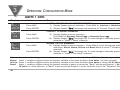
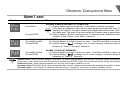
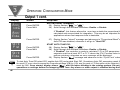
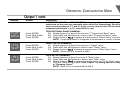
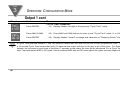
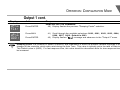
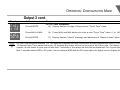
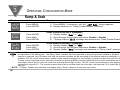
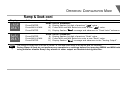
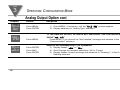
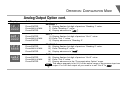
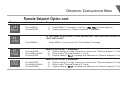
DEADBAND SUBMENU:
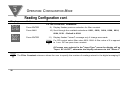
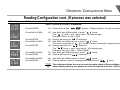
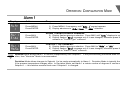
43) Display flashes 1st digit of the previous "Dead Band" value.
44) Press MAX and MIN buttons to enter a new "Dead Band" value
45) Display flashes "strd" message and advances to the "Output 2" menu.
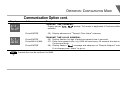
Note ☞
Dead Band units are the degree of temperature or counts of process.
The Dead Band or neutral zone is the number of degrees or counts (if input type is process) around the setpoint which the
process variable must pass above or below the setpoint, before the output changes state.