1
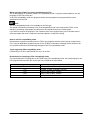
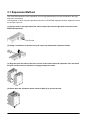
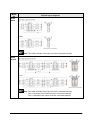
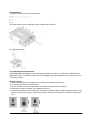
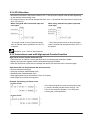
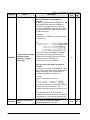
Wiring method
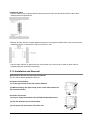
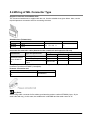
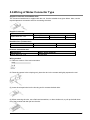
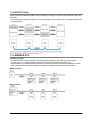
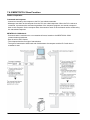
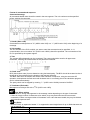
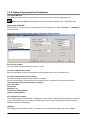
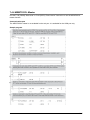
(1) Remove a potion of the wire's insulation.
(2) Insert the wire into the COM port until it contacts the back side.
(3) Tighten the screw.
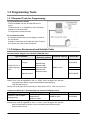
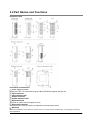
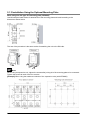
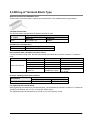
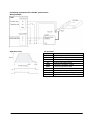
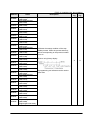
For tightening the terminal block
When tightening the COM port, use a screwdriver (Phoenix Contact Co., Product No. 1205037) with a
blade size of 0.4 x 2.5 (Part No. SZS 0,4x2,5). The tightening torque should be 0.22 to 0.25 N•m (2.3 to
2.5 kgf-cm) or less.
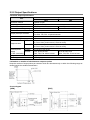
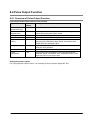
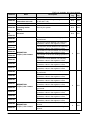
Notes for wiring
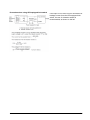
1. When removing the wire's insulation, be careful not to scratch the core wire.
2. Do not twist the wires to connect them.
3. Do not solder the wires to connect them. The solder may break due to vibration.
4. After wiring, make sure stress is not applied to the wire.
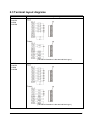
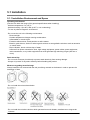
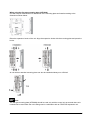
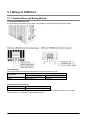
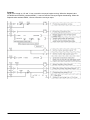
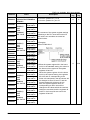
5. In the terminal block socket construction, if the wire is fastened upon counter-clockwise rotation of the
screw, the connection is faulty. Disconnect the wire, check the terminal hole, and then re-connect the
wire.
5-17