1
Transfer Menu
The Transfer Menu contains command to transfer selected events from
the source VTR to the VTR recorder.
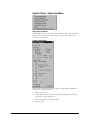
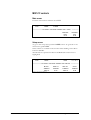
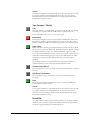
Transfer all events
Automatically transfers all events in the Processing Decision List
Transfer modified events
Only modified events (after being recorded earlier) will be transferred.
A modified event is represented by a red cross in the Processing
Decision List.
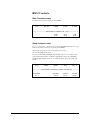
Transfer selected events
Transfers selected/highlighted events in the list.
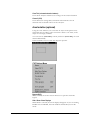
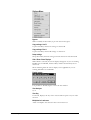
Options Menu
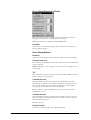
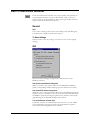
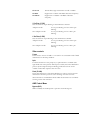
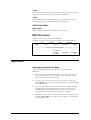
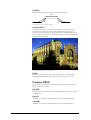
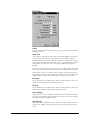
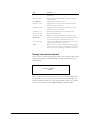
Large Listfont
If higher resolution is used on a small VGA monitor, the font in the list
can be enlarged for improved readability. Can also be accessed in User
Preferences.
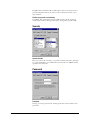
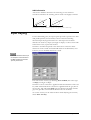
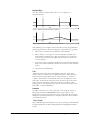
Normal List font
Large List font
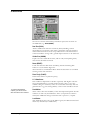
Turn Scenedetector Off When Stop
If selected, autoshot is automatically turned off as soon as the VTR is
not in normal play speed. Can also be accessed in User Preferences.
Keep active list event centered
If activated, the event matching the position of the tape source will be
centred in the Processing Decision List window. Can also be accessed
in User Preferences.
112 • Processing Decision List
User's Manual