1
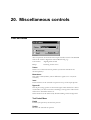
Config
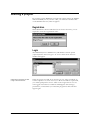
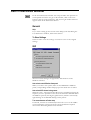
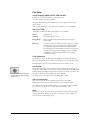
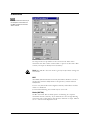
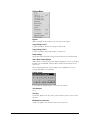
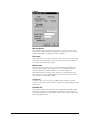
Main Assignment
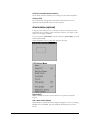
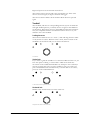
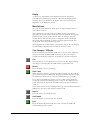
The VTR can either be assigned as a player, a recorder or not to be
used at all in editing. Players are displayed on the left side in the VTR
window. Recorders are displayed on the right side.
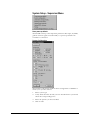
Slave mode
The VTR can be set to operate in slave mode. In slave mode the VTR
will follow any movements of the master VTR and it will synchronise
to it frame-accurately in play speed.
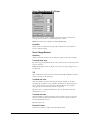
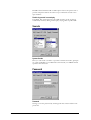
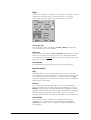
Machine name
This is the in-house name that is associated with the attached VTR.
Currently the software only supports up to four VTRs, but future
versions will allow an internal database of several VTRs to be
remembered by the control system. In that way, all parameters that
have been set-up for a specific machine can be restored the next time
that machine is used with the MSP.
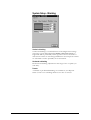
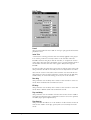
Current reel
Currently only used as a tag in the VTR control window. In future
versions of the edit control software it will be used for building the edit
decision list.
Simulated VTR
This function allows the controls of the VTR panel and VTR control
window to behave as if a real VTR was attached. Its main purpose is
for testing the different components in the control system, such as the
Processing Decision list.
User's Manual
VTR Editing • 123