1
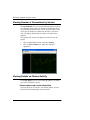
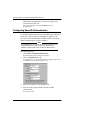
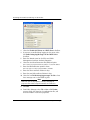
Configuring the WebBlocker Service
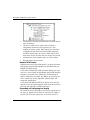
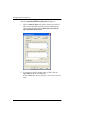
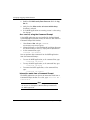
The Allow WebBlocker Server Bypass option is global. If you
set it in one HTTP service, it applies to all other HTTP proxy services you might have.
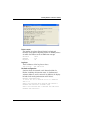
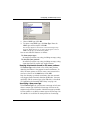
Configuring the WebBlocker message
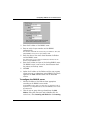
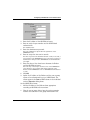
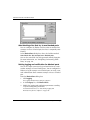
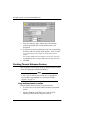
Use the field marked Message for blocked user to define the
text string displayed in end users’ browsers when they attempt
to open a blocked Web site. The text string must be plain text
and cannot contain HTML or the greater than (>) or less than
(<) characters. The following metacharacters are permitted:
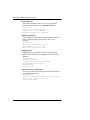
%u
The full URL of the denied request.
%s
Block status, or the reason the request was blocked. The
possible statuses are: host, host/directory, all web access
blocked, denied, database not loaded.
%r
The WebBlocker category or categories causing the denial.
For example, the following entry in the field will display the
URL, the status, and the category:
Request for URL %u denied by WebBlocker: %s
blocked for %r.
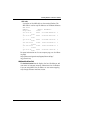
With this entry in the Message for blocked user field, the following string might appear in a user’s browser:
Request for URL www.badsite.com denied by
WebBlocker: host blocked for violence/
profanity.
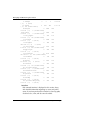
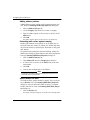
Scheduling operational and non-operational hours
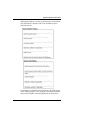
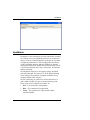
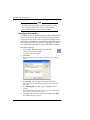
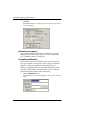
WebBlocker provides two separately configurable time blocks—
operational hours and non-operational hours. Typically, operational hours are an organization’s normal hours of operation
and non-operational hours are when an organization is not
conducting its normal business. Use these time blocks to build
rules about when different types of sites are to be blocked. For
example, you might block sports sites during business hours, but
allow access at lunch time, evenings, and weekends.
User Guide
235