1
Configuring a Gateway
From Policy Manager:
1
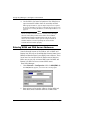
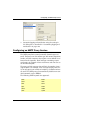
Select Network => Branch Office VPN => Manual IPSec.
The IPSec Configuration dialog box appears. The Manual IPSec
menu option is disabled if you have a Firebox 500 and have not
purchased the BOVPN Upgrade.
2
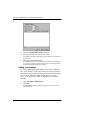
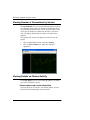
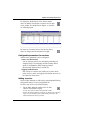
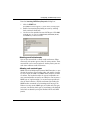
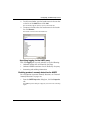
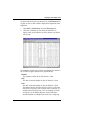
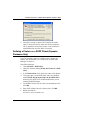
Click Gateways.
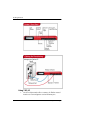
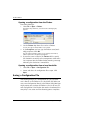
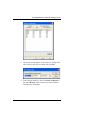
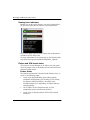
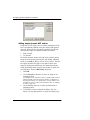
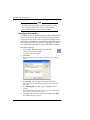
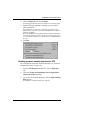
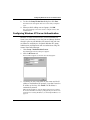
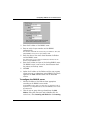
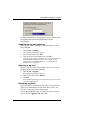
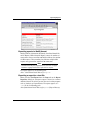
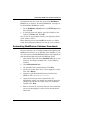
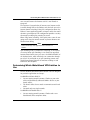
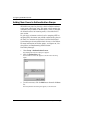
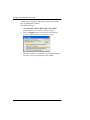
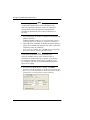
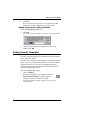
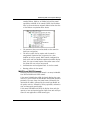
The Configure Gateways dialog box appears, as shown in the
following figure.
3
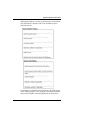
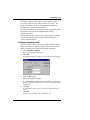
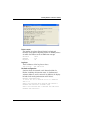
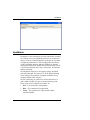
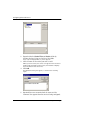
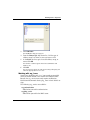
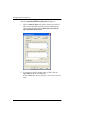
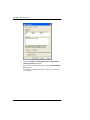
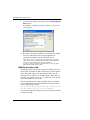
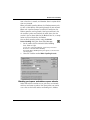
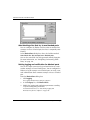
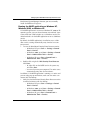
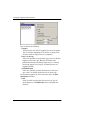
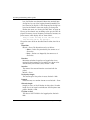
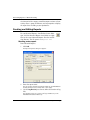
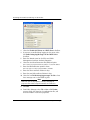
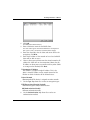
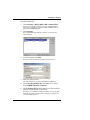
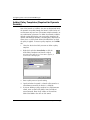
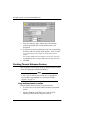
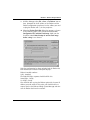
To add a gateway, click Add.
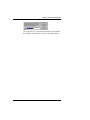
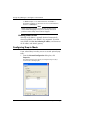
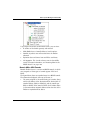
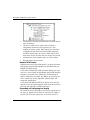
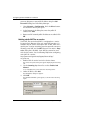
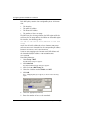
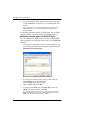
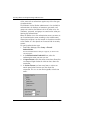
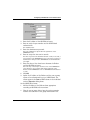
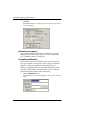
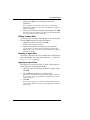
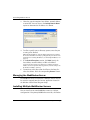
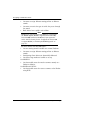
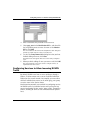
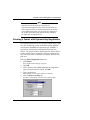
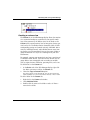
The Remote Gateway dialog box appears, as shown below.
4
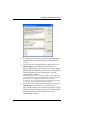
Enter the gateway name.
This name identifies a gateway only within Policy Manager.
5
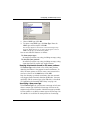
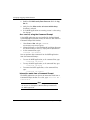
Use the Key Negotiation Type drop-down list to select
either ISAKMP (dynamic) or Manual.
6
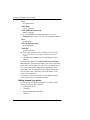
Use the Remote ID Type drop-down list to select either IP
Address, Domain Name, or User Name.
The Firebox uses IP Address and Domain Name to locate the VPN
endpoint. User name is simply a label you apply to designate the
user at the VPN endpoint.
User Guide
305