1
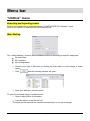
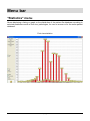
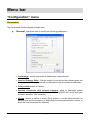
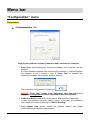
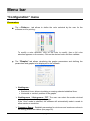
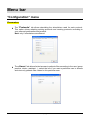
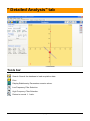
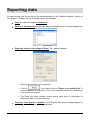
Exporting data By right clicking with the mouse on the statokinesigram in the "Detailed Analysis” section or on a graph in "Graphs" tab the following options are available : Copy the selected image to clickboard . Save on a file database the selected image on Bitmap format. A window appears to select the name and location of the file to be created: Exporting series of recordings to Excel. The window appears : Select the information to be exported Click on . If you select the box "Export in an existing file” a window appears to search for a file on the computer hard drive otherwise a new excel file is opened. The Excel file holds multiple sheets where each type of information is presented. Save it on the hard drive. Full page, other graph or 2 graphs (in the "Graphs" tab) allow to display graphs on a full page or to return to 2 graphs visualization. WINPOSTURE NV – User’s Manual Version 2.00 – Copyright 2008 46