1
Section 2 - Interface configuration guide
I rcam
documentation
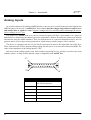
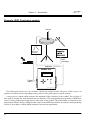
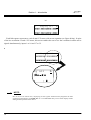
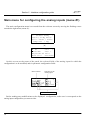
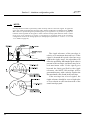
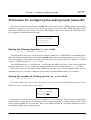
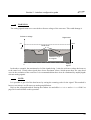
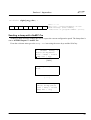
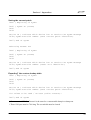
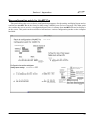
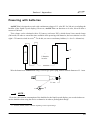
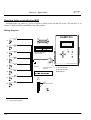
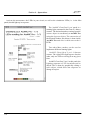
The load operation is immediate while the saving operation takes approximately 3 or 4 seconds. When
saving, a new screen is displayed, showing the status of the saving process. When the saving process is
finished, the interface automatically goes back to the welcome screen.
Saving Patch #1
Done
[...]
<
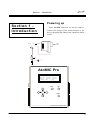
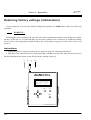
AtoMIC Ready >
Patch: 01-Patch1
File / MIDI / Prefs
Dump out / Spy
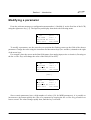
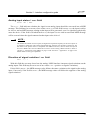
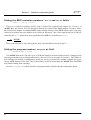
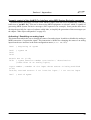
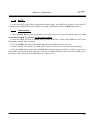
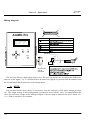
You can cancel the saving operation as long as you haven't validated the Yes field with the Valid key.
To cancel the saving operation, valid the No field, or move the cursor with the arrows to the first line of the
liquid crystal display. These two operations are equivalent and enable the user to go back to the welcome
screen.
<
Save Patch
Save 01-Patch1 ?
Sure ? Yes/No
>
Copying a configuration patch
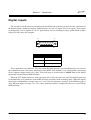
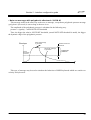
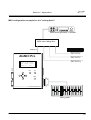
To copy a patch into another space in memory, first load the patch to be copied (see further up). Save
this patch making sure you choose the right destination patch number for the copy and that you are not
overwriting a patch you would like to keep.
59