1
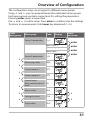
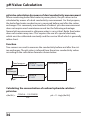
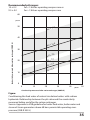
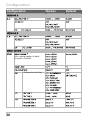
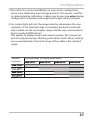
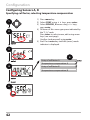
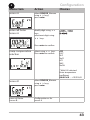
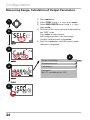
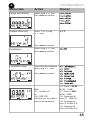
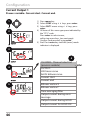
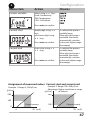
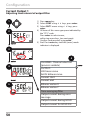
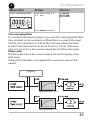
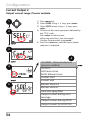
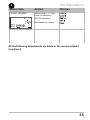
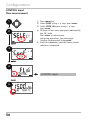
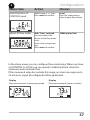
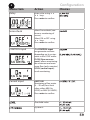
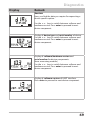
Configuration 4 Menu item Action Time averaging filter Enter value using keys. Choices Press enter to confirm. Time averaging filter To smoothen the current output, a low-pass filter with adjustable filter time constant can be switched on. When there is a jump at the input (100 %), the output level is at 63 % after the time interval has been reached. The time interval can be set from 0 to 120 sec. If the time interval is set to 0 sec, the current output directly follows the input. Please note: The filter only acts on the current output, not on the display or the limit value! During HOLD the filter is not applied. This prevents a jump at the output. Display Time interval 0...120 s Time interval 0...120 s 51