1
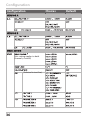
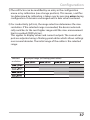
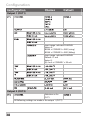
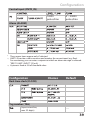
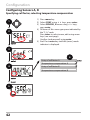
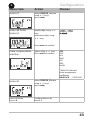
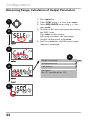
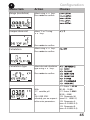
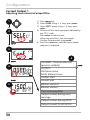
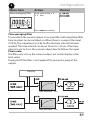
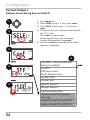
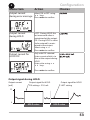
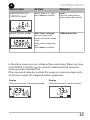
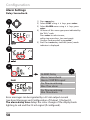
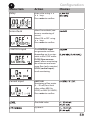
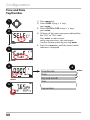
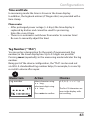
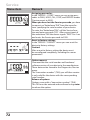
Configuration Time and Date In measuring mode the time is shown in the lower display. In addition, the logbook entries (cf Diagnostics) are provided with a time stamp. Please note: • After prolonged power outage (> 5 days) the time display is replaced by dashes and cannot be used for processing. Enter the correct time. • There is no automatic switchover from winter to summer time! Be sure to manually adjust the time! Tag Number (“ TAG“) You can enter a designation for the point of measurement (tag number) in the lower display line. Up to 32 digits are possible. Pressing meas (repeatedly) in the measuring mode indicates the tag number. Being part of the device configuration, the “TAG“ can be read out via IrDA. A standardized tag number helps, for example, to correctly re-install a device after repair. 4 Menu item Action Choices Tag number Select character using keys, select next digit using keys. A...Z, 0...9, – + < > ? / @ Press enter to confirm. The first 10 characters are seen in the display without scrolling. 61