1
Lesson Five - Calculating Transformation Parameters, continued
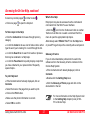
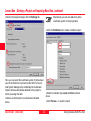
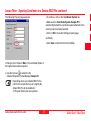
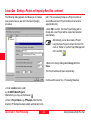
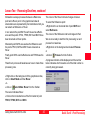
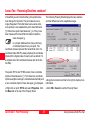
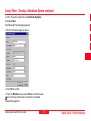
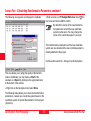
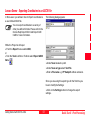
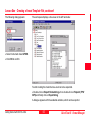
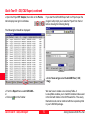
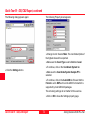
Enter a name e.g. PP Sample WGS-local, check
two boxes and click on OK to confirm.
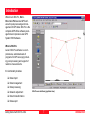
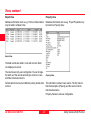
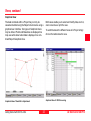
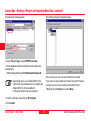
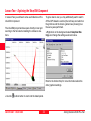
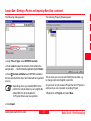
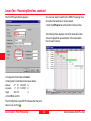
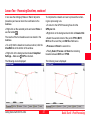
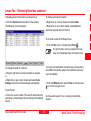
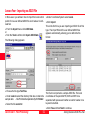
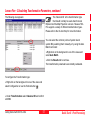
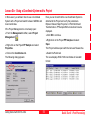
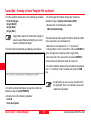
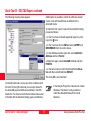
The following view appears and displays the residuals:
the
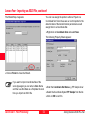
By default the names of the new transformation parameter set and the new coordinate
system are the same. You may change the
name of the coordinate system if you wish.
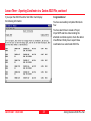
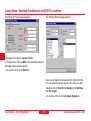
The transformation parameters and the new coordinate
system are now stored and the new coordinate system is
already attached to the project.
Continue with Lesson Six - Using a Coordinate System.
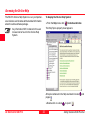
This view allows you to judge the quality of the transformation. Additionally you may display a Chart of the
residuals or a Report by clicking on the appropriate tabs
at the bottom of the window.
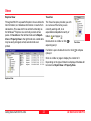
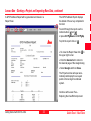
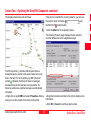
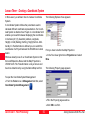
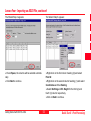
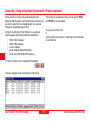
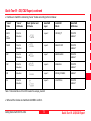
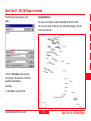
Right-click on the background and select Store.
The following dialog allows you to store the transformation
parameters, create a new coordinate system based on the
coordinate system of System B and attach it to the project
(System A).
Quick Tour II - Post-Processing
58
Getting Started with SKI-Pro-2.5en