1
Lesson Two - Processing Baselines, continued
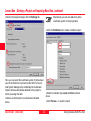
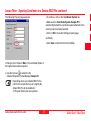
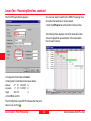
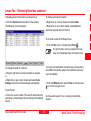
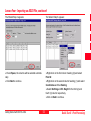
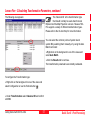
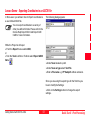
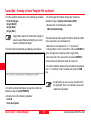
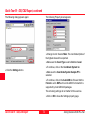
In our case the Ambiguity Status is Yes for all points
(baselines) and we can store the coordinates to the
database.
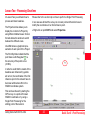
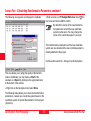
To complete the network we have to process the remaining two processing runs.
To return to the GPS-Processing View click the
GPS-proc tab.
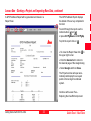
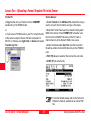
Right-click on the selected points and select Store or
use the toolbar .
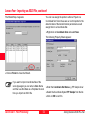
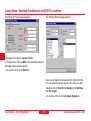
Right-click on the background and click on Deselect All.
The results of the four baselines are now stored in the
database.
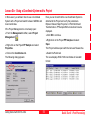
Select the second instant of the points TP214, B215,
B313 as Rover and the point B218 as Reference.
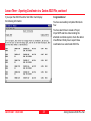
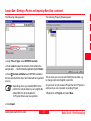
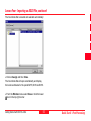
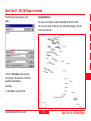
To verify that the baselines have been stored, click the
View/Edit tab at the bottom of the window.
Process and Store the second run.
Finally, Select, Process and Store the remaining
baseline between B313 and TP306.
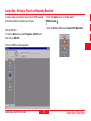
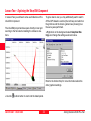
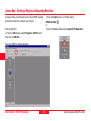
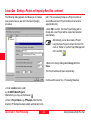
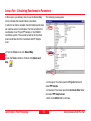
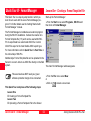
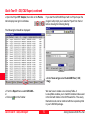
Right-click in the background and select Graphical
Settings... Make sure
GPS is checked.
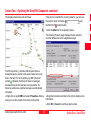
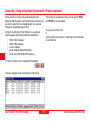
The following view is displayed:
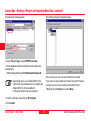
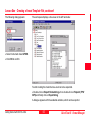
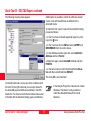
The following view is displayed:
Getting Started with SKI-Pro-2.5en
47
Quick Tour II - Post-Processing