1
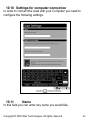
10.12
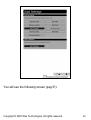
Email
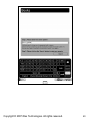
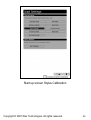
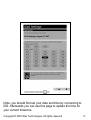
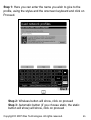
In this field you need to enter the email address you have used
to create your account. (See chapter 12 for more info on account
creation).
Note: Your email functions as your username of your account.
This account info is used to connect to iDS to download software
updates and content from your inbox.
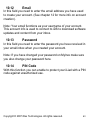
10.13
Password
In this field you need to enter the password you have received in
your email inbox when you created your account.
Note: If you have changed your password on MyIrex make sure
you also change your password here.
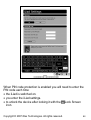
10.14
PIN Code
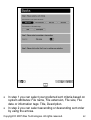
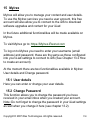
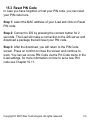
With this function you can enable to protect your iLiad with a PIN
code against unauthorized use.
Copyright © 2007 iRex Technologies. All rights reserved.
63