1
Miscellaneous
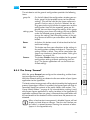
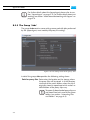
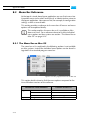
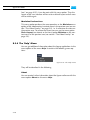
8.2.6 The Group ’Scan Filter’
This setting allows you to determine sequence file types, i.e file formats
that Spycer should display as video sequences and thus as single entries.
It sets a filter for the scanning of the SpycerAgent. In order to recognize
files of the listed file formats as image sequences each file name must
contain a numbering (frame numbering) of the same length.
1
2
3
4
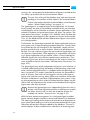
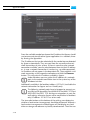
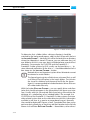
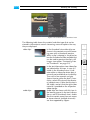
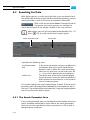
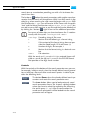
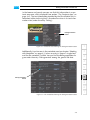
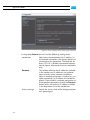
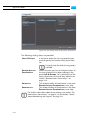
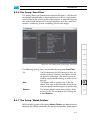
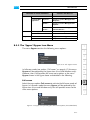
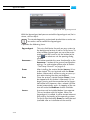
Figure 8-9: The settings items of the group ’Scan filter’
5
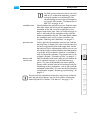
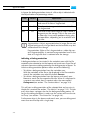
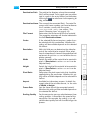
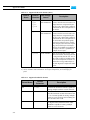
The following settings items are provided by the group Scan Filter:
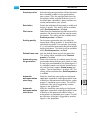
list
ADD
REMOVE
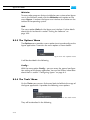
The list determines the file formats by their extensions (column ’Format’) that Spycer should
recognize as video clips. The entries can be revised by simply double-clicking an entry and altering it.
This button adds an empty entry in the list
above. Then type in the extension of the file format that Spycer should recognize as a video clip.
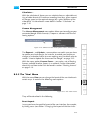
This button deletes entries from the list: Select
an entry in the list and delete it by clicking the
button REMOVE.
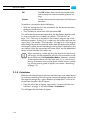
8.2.7 The Group ’Watch Folders’
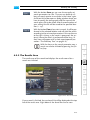
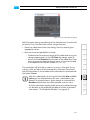
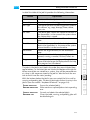
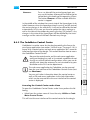
With the settings items of the group Watch Folders you determine the
locations that will be watched by the background process SpycerAgent
8-13
6
7
8
A
I