1
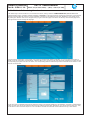
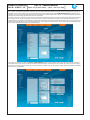
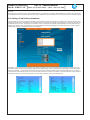
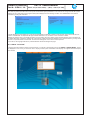
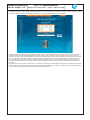
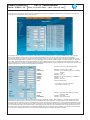
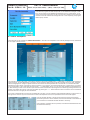
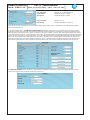
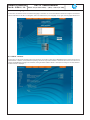
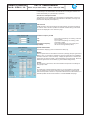
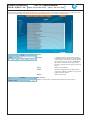
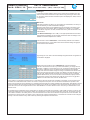
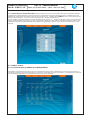
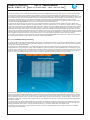
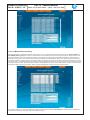
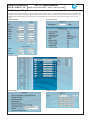
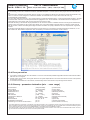
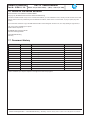
QAMOS(-MEDIA) Part N : 5100.01/ .02 o SAT-TV Transmodulator DVB-S/ -S2 (8x QPSK/ 8PSK) → (MUX)→ DVB-C (8x QAM) SBL Pressing the button “View logbook“ leads to an overview, in which all the processes have been documented since the start of the GUI. Each operation is listed by date, time and description. If operations have been executed, the logged on user, who initiated the action, is saved too. By pressing of the “Erase“ button all entries are deleted, when you are logged in as administrator. System Location In this field a name for the module is be made to identify the module easily. This name appears on the top right of the web site under the langua- ge selection box and is provided via SNMP with the question of the field: Iso(1).org(3).dod(6). internet(1).mgmt(2).mib.2(1).system(1).sysLoca- tion(6). Logout restart the user interface Default delete the settings and reset to default values (including IP address), available only if you have logged in as administrator Reboot restart of the module Date and time Clicking the “Set“ button, the date and time will be set to that of the PC. 21