1
RIGOL
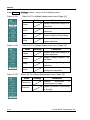
Auto-Set functions
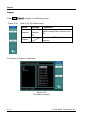
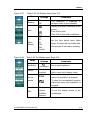
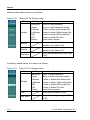
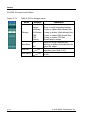
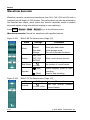
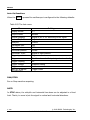
When the AUTO is pressed the oscilloscope is configured to the following defaults:
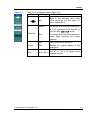
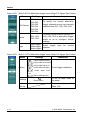
Table 2-93 The Auto menu
Menu
Settings
Display format
Y-T
Acquire mode
Normal
Vertical coupling
Adjust to AC or DC according to the signal.
Vertical “V/div”
Adjusted
Volts/Div
Coarse
Bandwidth limit
Full
Signal Invert
OFF
Horizontal position
Center
Horizontal “S/div”
Adjust to right position.
Trigger type
Edge
Trigger source
Find the channel with input signal automatically.
Trigger coupling
DC
Trigger voltage
Midpoint setting
Trigger mode
Auto
knob
Trigger offset
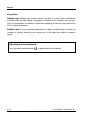
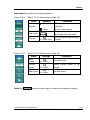
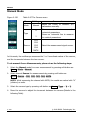
RUN/STOP:
Run or Stop waveform acquiring.
NOTE:
In STOP status, the volts/div and horizontal time base can be adjusted in a fixed
limit. That is, to zoom in/out the signal in vertical and horizontal directions.
2-106
User‟s Guide for DS1000B series
© 2008 RIGOL Technologies, Inc.