1
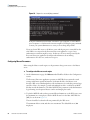
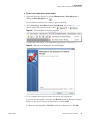
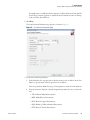
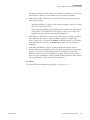
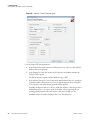
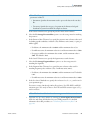
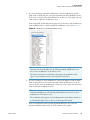
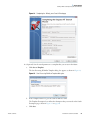
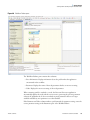
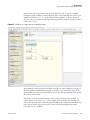
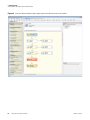
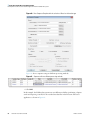
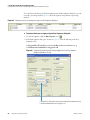
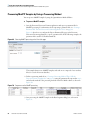
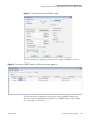
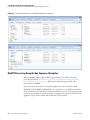
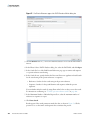
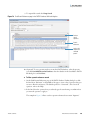
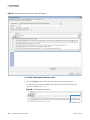
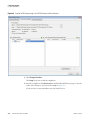
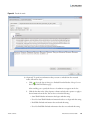
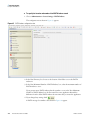
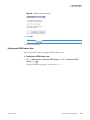
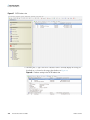
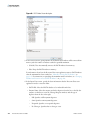
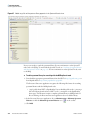
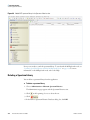
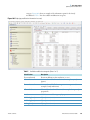
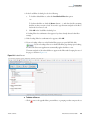
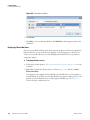
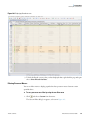
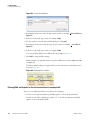
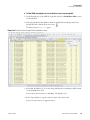
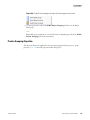
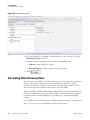
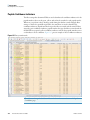
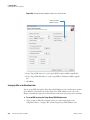
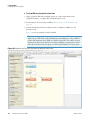
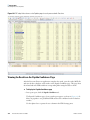
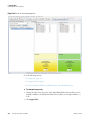
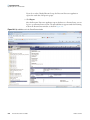
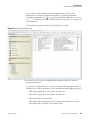
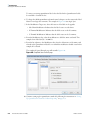
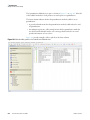
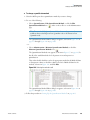
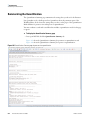
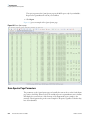
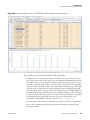
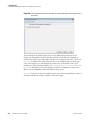
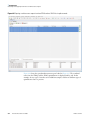
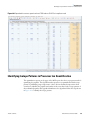
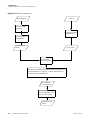
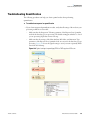
4 Searching for Data Using FASTA Databases Specifying the Columns to Display Use the Column Chooser to specify the columns that you want to display. To set the columns that you want to display 1. Click the Column Chooser icon, . 2. In the Column Chooser dialog box, shown in Figure 89, select the check boxes corresponding to the columns that you want to display in the FASTA Indexes view. The Proteome Discoverer application instantly makes the selected columns visible and the cleared columns invisible. For a description of these columns, refer to the Help. Figure 89. Column Chooser dialog box in the FASTA Indexes view Automatically Creating a FASTA Index The Proteome Discoverer application automatically creates FASTA indexes for a full enzymatic digestion during a Sequest search, if an adequate FASTA index does not already exist. You can manually create a FASTA index for a semi-enzymatic or non-specific digestion (see “Manually Creating FASTA Indexes” on page 125). You can only create a specific FASTA index once. To automatically create a FASTA index 1. Choose Administration > Maintain FASTA Indexes or click the Maintain FASTA Indexes icon, . 2. Click the Add icon, . The FASTA Index Creator dialog box appears, as shown in Figure 90. Thermo Scientific Proteome Discoverer User Guide 121