1
Choosing a Switch Management Level
Choosing a Switch Management Level
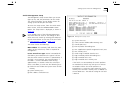
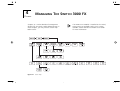
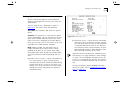
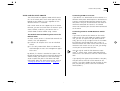
The Switch Management screen allows you to:
■
Choose between managing a port, the unit, or a
VLAN
■
Display screens for setting up the Switch
■
Display a screen for managing the Switch Database
■
Display screens for managing resilient links
■
Display screens for managing STP
■
Display screens showing statistics
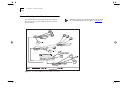
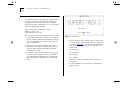
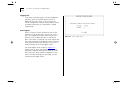
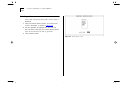
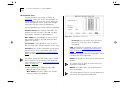
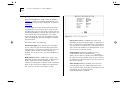
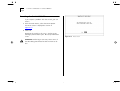
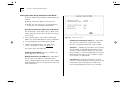
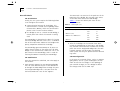
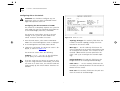
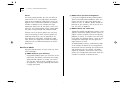
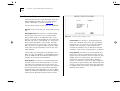
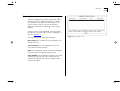
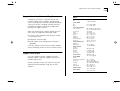
Figure 4-7
Switch Management screen for Port level
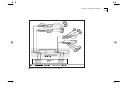
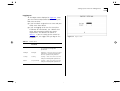
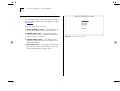
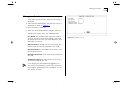
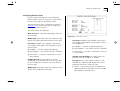
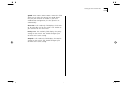
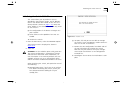
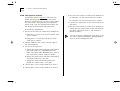
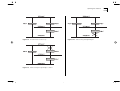
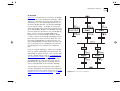
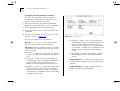
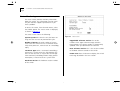
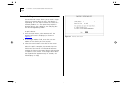
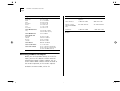
Figure 4-8
Switch Management screen for Unit level
From the Main Menu, select SWITCH MANAGEMENT. The Switch Management screen is displayed,
as shown in Figure 4-7.
Management Level Port / Unit / VLAN If you
choose Port, the screen is displayed similar to
Figure 4-7, and all options at the foot of the screen
relate to an individual port. If you choose Unit, the
screen is displayed similar to Figure 4-8, and all
options relate to the Switch unit. If you choose
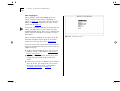
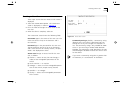
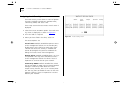
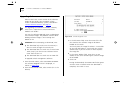
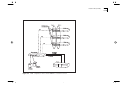
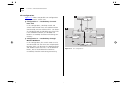
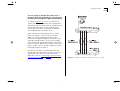
VLAN, the screen is displayed similar to Figure 4-9,
and all options relate to VLANs.
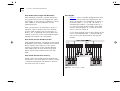
Port ID 1 / 2 / 3 ... 6 / 7 / 8 If you choose to
manage the Switch at port level, enter the particular
port number into this field before selecting the next
screen. Ports 1–5 are the 100BASE-FX ports, port 6
is the Transceiver Module, port 7 is the Plug-in
Module at the rear of the unit, and port 8 is the
100BASE-TX port.
4-7