1
4-20
CHAPTER 4: M ANAGING THE SWITCH 3000 FX
■
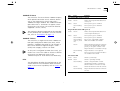
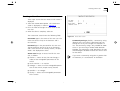
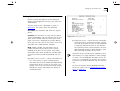
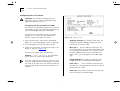
Both Failed — Although the resilient link is correctly configured, both links have failed. This
could be due to loose connections or cable damage.
■
Unknown — The network configuration has
changed and the resilient link pair no longer conforms to the rules.
■
Not Available — The resilient link pair is disabled.
Active Port Main / Standby If a main link does not
have a higher bandwidth than its standby link, traffic is not automatically switched back to the main
link when it recovers. Use this field to manually
switch traffic back to the main link.
Pair Enable Enabled / Disabled Use this field to
enable or disable the resilient link pair. Before you
disable a resilient link pair, you must remove
cabling from the ports to avoid creating loops in
your network configuration.
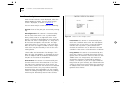
Creating a Resilient Link Pair
1 Ensure that the port nominated as the standby port
is not physically connected to the unit.
2 Ensure both ports have an identical port security
mode configuration and that they are members of
the same VLAN.
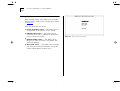
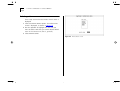
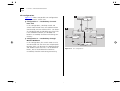
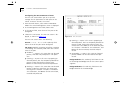
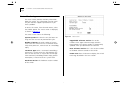
3 At the Switch Management screen, select the port
to be configured as the main port in the link. Select
the RESILIENCE button at the foot of the screen.
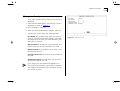
4 Select the standby port from the Standby Links
Available listbox or enter the port ID in the Standby
Port ID field.
5 Enable the pair in the Pair Enabled field. Select
APPLY.
6 Connect the cabling for the standby port.
Deleting a Resilient Link Pair
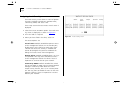
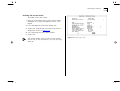
To delete the resilient link set up on the port, select
the DELETE button at the foot of the screen. The
Port Resilience screen closes and the Switch Management screen is displayed.