1
LEAF "Bering" user's guide
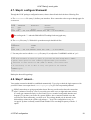
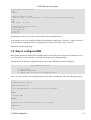
4.5. Step 4: Configure pppoe
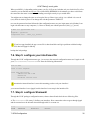
4.6. Step 5: configure your interfaces file
4.7. Step 6: configure Shorewall
4.8. Step 7: reboot...
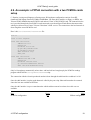
4.9. An example: a PPPoE connection with a two PCMCIA cards setup
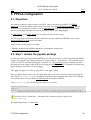
5. PPPoA configuration
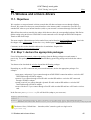
5.1. Objectives
5.2. Step 1: declare the pppatm package
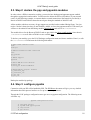
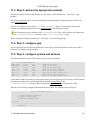
5.3. Step 2: declare the ppp and pppoatm modules
5.4. Step 3: configure pppatm
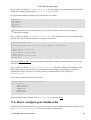
5.5. Step 4: configure your interfaces file
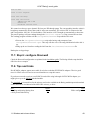
5.6. Step 5: configure Shorewall
5.7. Step 7: reboot...
6. PPTP/PPPoA configuration
6.1. Objectives
6.2. Step 1: declare the ppp and the pptp packages
6.3. Step 2: declare the ppp modules
6.4. Step 3: configure ppp
6.5. Step 4: configure your interfaces file
6.6. Step 5: configure Shorewall
6.7. Step 7: reboot...
7. ISDN Configuration
7.1. Objectives
7.2. Step 1: Download and declare the isdn.lrp package
7.3. Step 2: download the isdn.o and the appropriate hisax.o modules
7.4. Step 3: declare the ISDN modules
7.5. Step 4: configure ISDN
7.6. Step 5: configure your interfaces file
7.7. Step 6: configure Shorewall
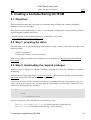
8. Creating a bootable Bering CD−ROM
8.1. Objectives
8.2. Step 1: preparing the distro
8.3. Step 2: downloading the required packages
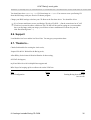
8.4. Step 3: preparing the Bering CD−Rom content
8.5. Step 4: making the CD
8.6. Support
8.7. Thanks to...
9. Booting Bering from different boot−media
9.1. Objectives
9.2. The single floppy drive setup
9.3. The two−floppy drives setup
9.4. Booting from an IDE device
9.5. Booting from a CD−Rom with isolinux
9.6. Partial backup of packages to/from floppy
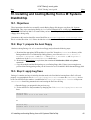
10. Installing and booting Bering from a M−Systems DiskOnChip
10.1. Objectives
10.2. Step 1: prepare the boot floppy
10.3. Step 2: apply bug fixes
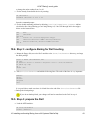
10.4. Step 3: configure Bering for DoC booting
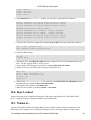
10.5. Step 4: prepare the DoC
10.6. Step 5: reboot
LEAF "Bering" user's guide
2