1
LEAF "Bering" user's guide
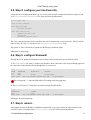
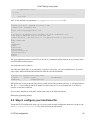
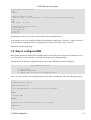
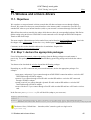
# 8390 based ethernet cards
8390
ne2k−pci
# Modules needed for ISDN
# Look for type, io and irq settings at help page of isdn.lrp documentation
slhc
isdn
hisax type=
io= irq=
# Masquerading 'helper' modules
ip_conntrack_ftp
ip_conntrack_irc
ip_nat_ftp
ip_nat_irc
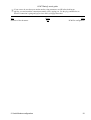
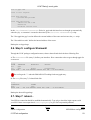
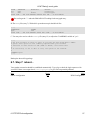
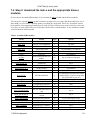
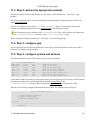
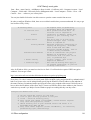
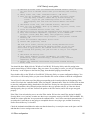
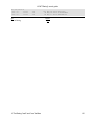
the paramater you have to give for a certain card are listed in the table above
as an example: to use Fritz card from AVM(A1) download the module hisax_AVM_A1. rename it to hisax.o.
if you fritzcard is configured with irq 7 and ioport 330 you enter hisax type=5 irq=7 io=0x330
Backup the modules.lrp package.
7.5. Step 4: configure ISDN
Most options are already defined with reasonable default values. But some settings must be defined in every
case. If you have a static ip number you should also change the according parameter.
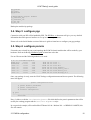
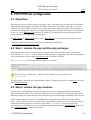
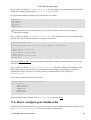
Through the LEAF Package configuration menu choose isdn. The following menu will appear:
isdn configuration files
1) ipppd options
2) password und userid
3) ipppd scipts to startup the ipppd interfaces
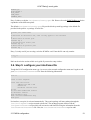
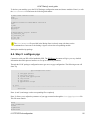
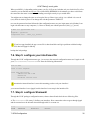
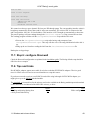
select 1 now you edit the User setting and enter here the name or number that you need to identify yourself
(−−−)
# USER Dependent options
#
USER="[email protected]"
#
# your MSN depending on your country without areaprefix
#
MYMSN=
#
# Provider MSN
#
REMMSN=
#
# Hangup after idletime in seconds 0 for no hangup
#
TIMEOUT=60
#
(−−−)
7. ISDN Configuration
31