1
Scug.bk Page 49 Monday, September 13, 1999 12:57 PM
Configuring PSpice Schematics
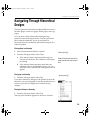
Changing Page Size
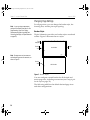
PSpice Schematics supports standard page sizes A
through E and A0 through A4. It also allows you to specify
a user defined page size.
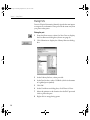
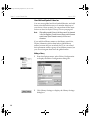
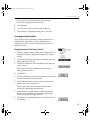
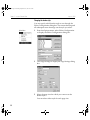
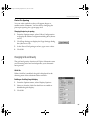
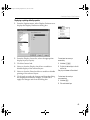
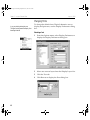
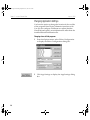
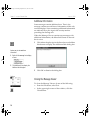
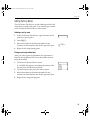
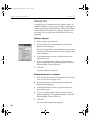
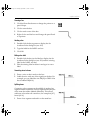
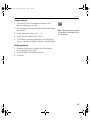
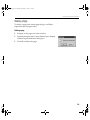
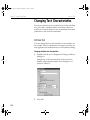
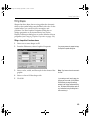
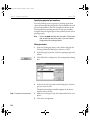
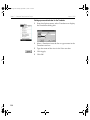
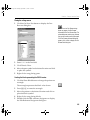
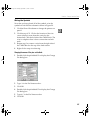
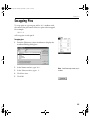
Changing the page size
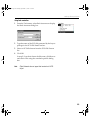
1
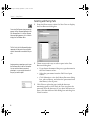
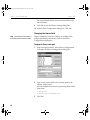
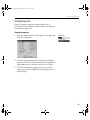
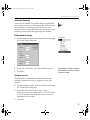
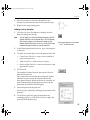
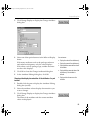
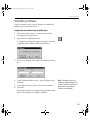
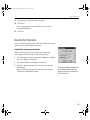
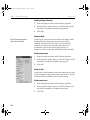
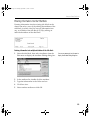
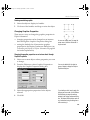
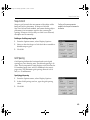
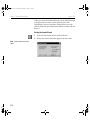
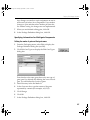
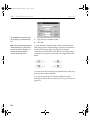
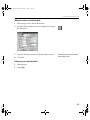
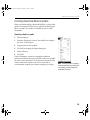
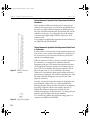
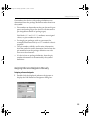
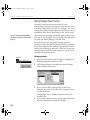
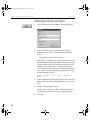
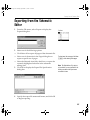
From the Options menu, click Page Size to display the
Page Size dialog box.
2
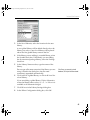
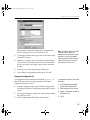
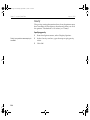
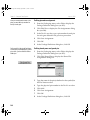
Click the appropriate button to select a pre-defined
page size, or indicate a User Defined Size by typing the
page dimensions in the Horiz: and Vert: text boxes.
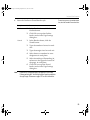
3
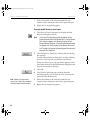
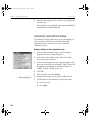
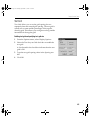
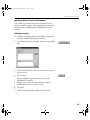
Click OK to change the page size of the currently
active page and to establish the default page size for
all later pages.
Options Menu
49