1
Scug.bk Page 298 Monday, September 13, 1999 12:57 PM
Appendix A
Exporting in the Symbol Editor
File Menu
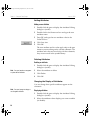
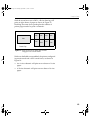
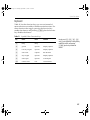
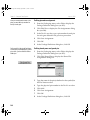
To select more than one symbol, hold down
S while selecting other pages.
Note The Current Symbol Only option is
only enabled if a specific symbol was
selected in the drawing area before the
Export menu item was chosen.
298
1
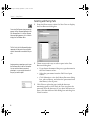
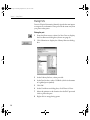
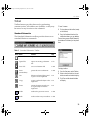
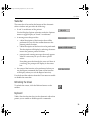
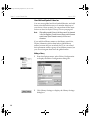
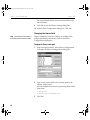
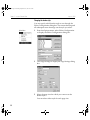
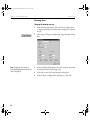
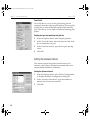
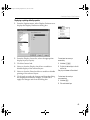
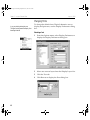
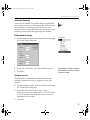
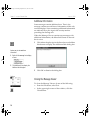
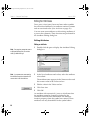
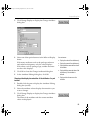
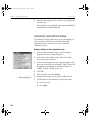
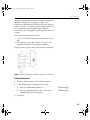
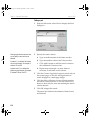
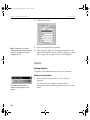
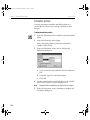
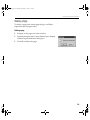
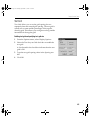
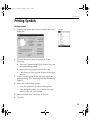
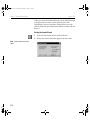
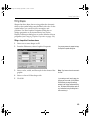
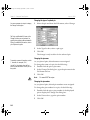
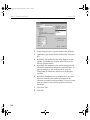
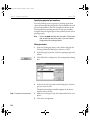
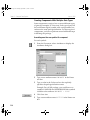
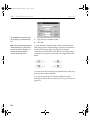
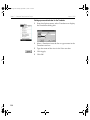
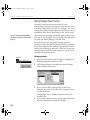
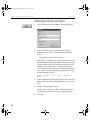
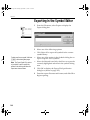
From the File menu, select Export to display the
Export dialog box.
2
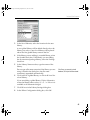
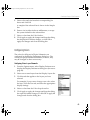
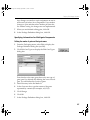
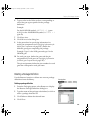
Select one of the following options:
•
Click Select All to export all symbols in the current
symbol library.
•
Select any of the entries in the Symbols dialog box to
export a specific set of symbols.
•
Select the Selected Area Only check box to export the
currently highlighted selection in the symbol editing
area.
3
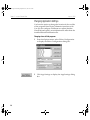
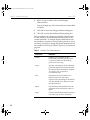
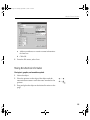
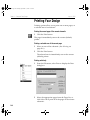
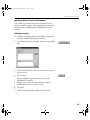
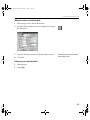
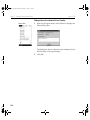
Click OK to display the Export File Specification
dialog box (shown on page 297).
4
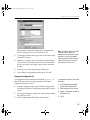
Enter the export file name and format, and click OK to
begin exporting.