1
Pspug.book Page 491 Wednesday, November 11, 1998 1:52 PM
Viewing waveforms
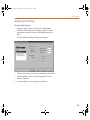
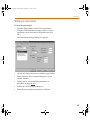
To limit file size using markers
1
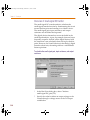
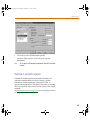
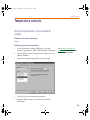
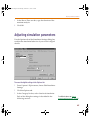
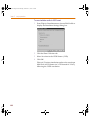
From Capture’s PSpice menu, choose Edit Simulation
Settings to display the Simulation Settings dialog box.
2
Click the Data Collection tab.
3
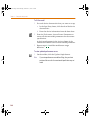
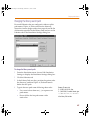
In the Schematic/Circuit Data frame, choose At
Markers only and click OK.
4
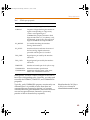
From the PSpice menu, point to Markers, then choose
the marker type you want to place.
5
Point to the wires or pins you wish to mark and click
to place the chosen markers.
6
Right-click and select End Mode to stop placing
markers.
7
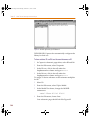
From the PSpice menu, choose Run to start the
simulation.
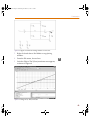
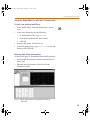
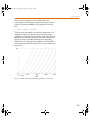
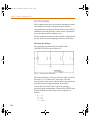
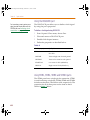
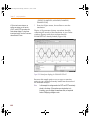
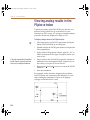
The color of the marker on the schematic
page is the same as its corresponding
waveform analysis trace. If you change the
color of the trace, the color of the marker
changes accordingly.
491