1
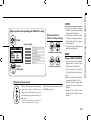
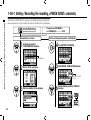
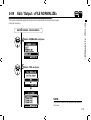
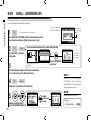
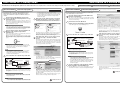
1-08-2 Setting / Recording: Re-recording, <PUNCH IN/OUT> manual
Setting / Recording: Re-recording, <PUNCH IN/OUT> manual
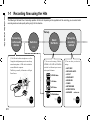
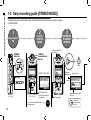
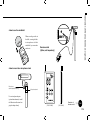
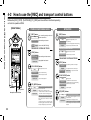
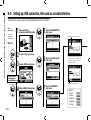
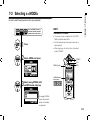
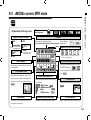
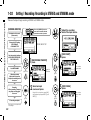
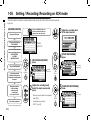
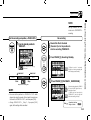
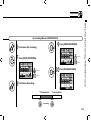
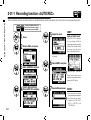
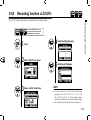
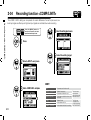
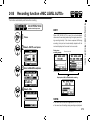
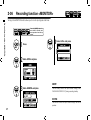
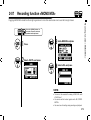
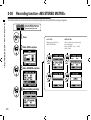
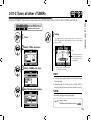
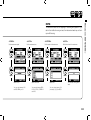
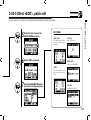
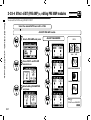
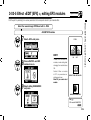
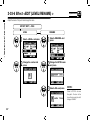
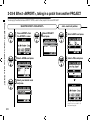
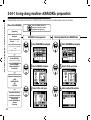
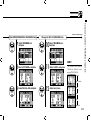
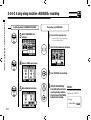
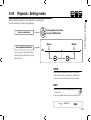
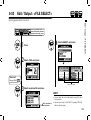
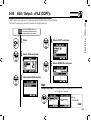
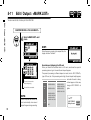
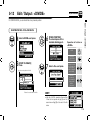
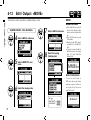
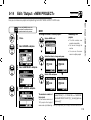
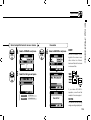
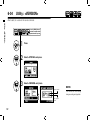
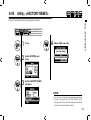
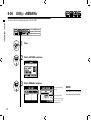
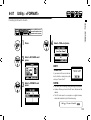
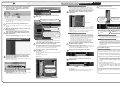
Using [OVERWRITE] recording operation in MTR mode, you can manually punch in and out. Press [REC] button
during playback, from that pressed position you can start re-recording.
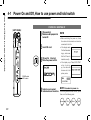
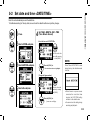
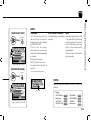
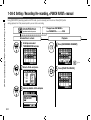
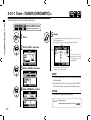
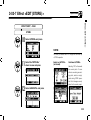
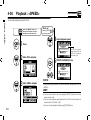
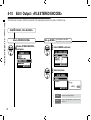
Press the [MENU] button for
more than 2 seconds, and start
operation from the top screen.
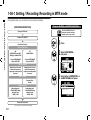
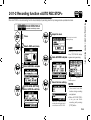
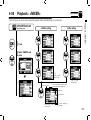
Change from <REC MODE>
to <OVERWRITE> …………P.055
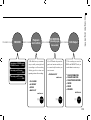
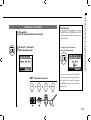
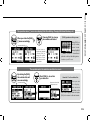
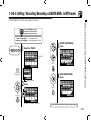
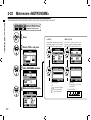
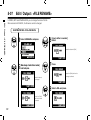
Allocate files to a track
1
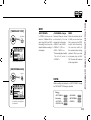
On the top screen select
'TRACK MENU ICON' and press.
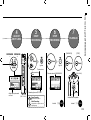
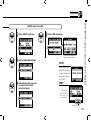
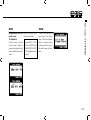
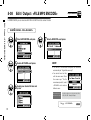
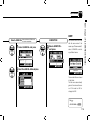
Playback
4
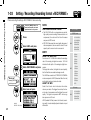
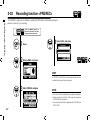
Press [RECORDING STANDBY].
点滅
063
light on
2
Select <FILE> and press.
3
Select any desirable <FILE> and press.
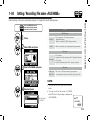
5
Press [START PLAYBACK].