1
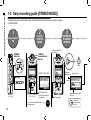
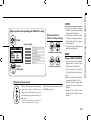
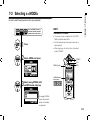
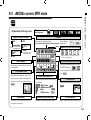
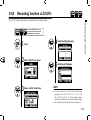
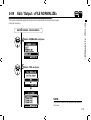
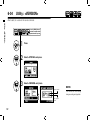
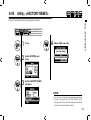
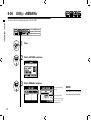
3-01-1 Tuner <TUNER (CHROMATIC) >
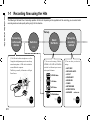
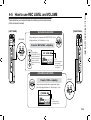
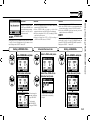
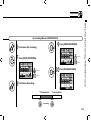
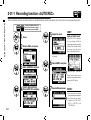
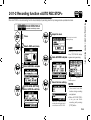
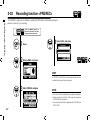
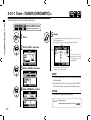
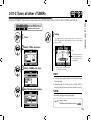
The H4n features a tuner with multiple tuning modes.
Tuner <TUNER (CHROMATIC) >
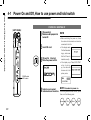
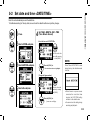
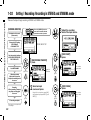
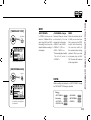
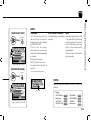
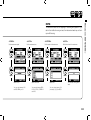
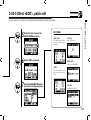
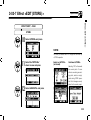
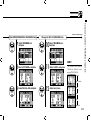
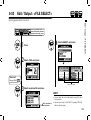
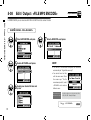
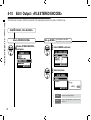
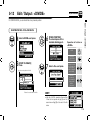
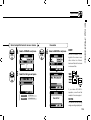
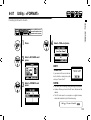
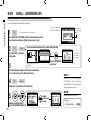
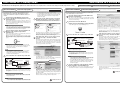
Press the [MENU] button for
more than 2 seconds, and start
operation from the top screen.
1
Press.
2
Select <TOOL> and press.
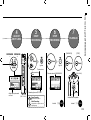
5
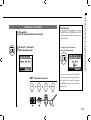
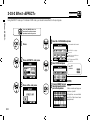
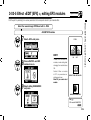
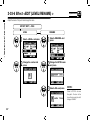
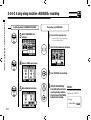
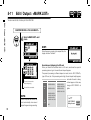
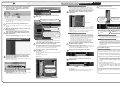
Tuning.
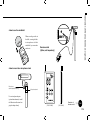
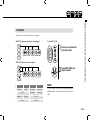
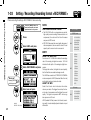
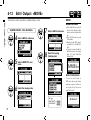
The indicator shows the input signals are higher or lower than the
‘NOTE’ described below.
Both marks light on when the inputs signals match the ‘NOTE’.
Low
High
These dots show how
much gaps exist between
the input signals and the
indicated NOTE.
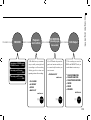
3
4
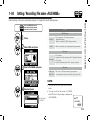
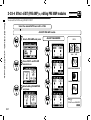
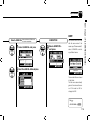
Select <TUNER> and press.
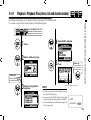
The name of the [NOTE] shows the
nearest one to the input signals.
HINT:
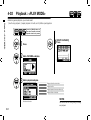
Select <CHROMATIC> and press.
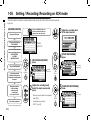
• The input source signals selected at the present become
the tuning target.
• Operating under 4CH mode, at Step 4 select <INPUT>
and select the input source, and then continue to steps 5.
NOTE:
Not available during recording and playback.
Ref.
075
☞
Display of tuning
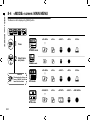
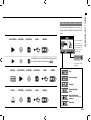
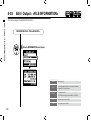
Relationship between string numbers and notes P.078