1
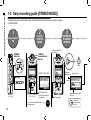
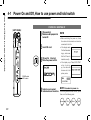
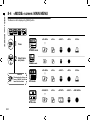
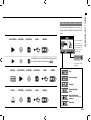
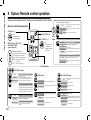
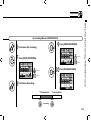
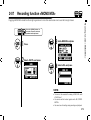
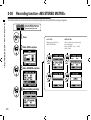
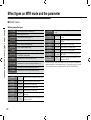
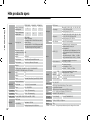
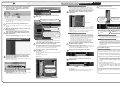
<MODE> screens: STEREO and STAMINA modes
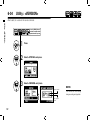
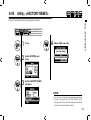
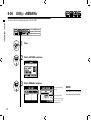
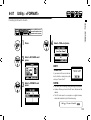
8-1 <MODE> screens: STEREO and STAMINA modes
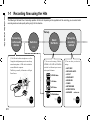
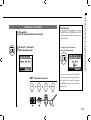
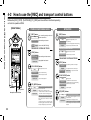
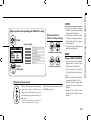
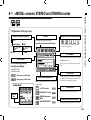
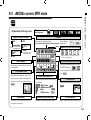
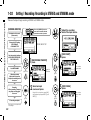
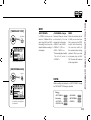
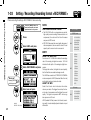
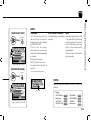
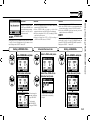
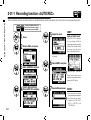
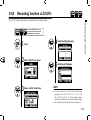
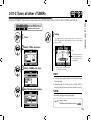
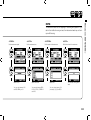
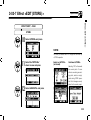
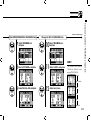
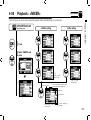
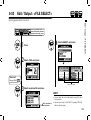
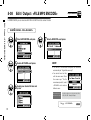
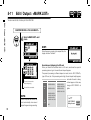
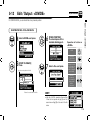
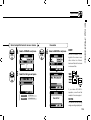
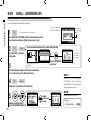
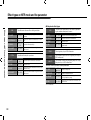
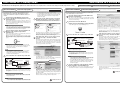
• Explanation of the top screen
Display of recorder’s condition
STOP
●
Recording Standby
blink
Counter
REMAINING BATTERY LIFETIME during battery running
Recording lapse and playback lapse:
REC
Display: 00(time):00(minute):00(second):000(1/1000second)
[REC] button
lights on
[REC] button
blinks
▲
PLAY
PAUSE
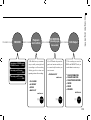
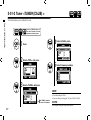
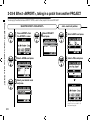
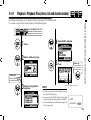
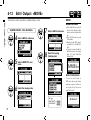
FILE NAMES
blink
FILE NAMES during selecting, recording
and playback work.
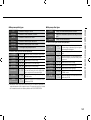
FILE FORMAT
File format during selecting,
recording and playback.
If there is no file in any folder, the screen says ‘No
Data’.
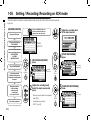
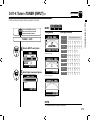
• WAV FILE: Hz/bit
• MP3 FILE: bit rate
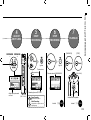
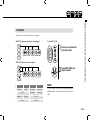
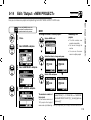
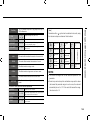
CLIP METER
Display example of 96kHz/24bit
Display example of MP3 128kbps
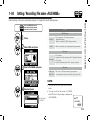
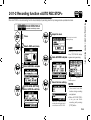
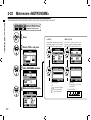
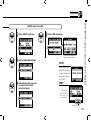
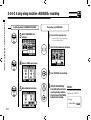
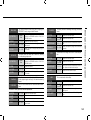
STAMINA MODE
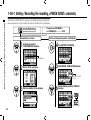
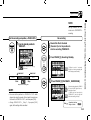
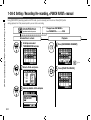
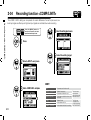
Indicator of option settings: ON or OFF
When each optional function is ON, display
says following:
<LO CUT> function
Stamina
Icon
When the display of “Low Battery” is shown,
it is time to change battery.
P.068
<COMP/LIMIT> function P.069
<PHANTOM> power source
48V/24V
P.032
<MS STEREO MATRIX>
P.073
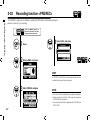
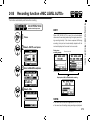
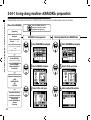
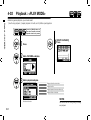
The clip meter light turns on when the recording
and playback level reach 0dB and remains lit until
the file ends or the stop button is pressed.
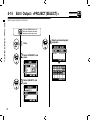
LEVEL METER
Displays the recording and playback level.
REMAINING RECORDING TIME
Remaining recording capacity time on SD card.
040