1
Modes and Features
This section describes the modes and features available on your watch. A
mode gives you access to a specific area of your watch’s operation. For
example, you enter the ALARM Mode to set an alarm to sound at a specific
time.
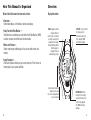
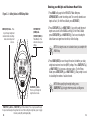
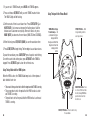
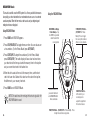
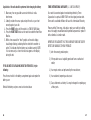
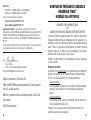
Button Operation When Setting
STOP/RESET/SET (DONE) –
(SET/RESET (DONE) for
Fitness Model) – Press to
save changes and exit.
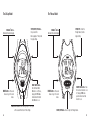
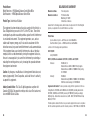
Your watch has several features that can be accessed by pressing the
MODE button. Pressing the MODE button cycles through all the modes
available within your watch.
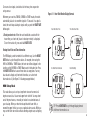
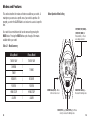
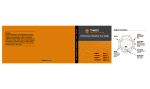
Table 3.1: Mode Summary
30-Lap Model
TIME OF DAY
CHRONO
TIMER
RECOVER
REVIEW
HRM SETUP
ALARM
18
Fitness Model
❘
❘
❘
❘
❘
❘
❘
TIME OF DAY
TIMING
RECOVER
REVIEW
HRM SETUP
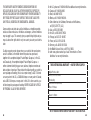
MODE Button (NEXT) – Move
to the next value to set.
HEART RATE Button (–) –
Decrease the flashing value.
ALARM
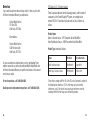
START/SPLIT (+) - (START/STOP (+) for Fitness
model) – Increase the flashing value.
19